Filters
11 products


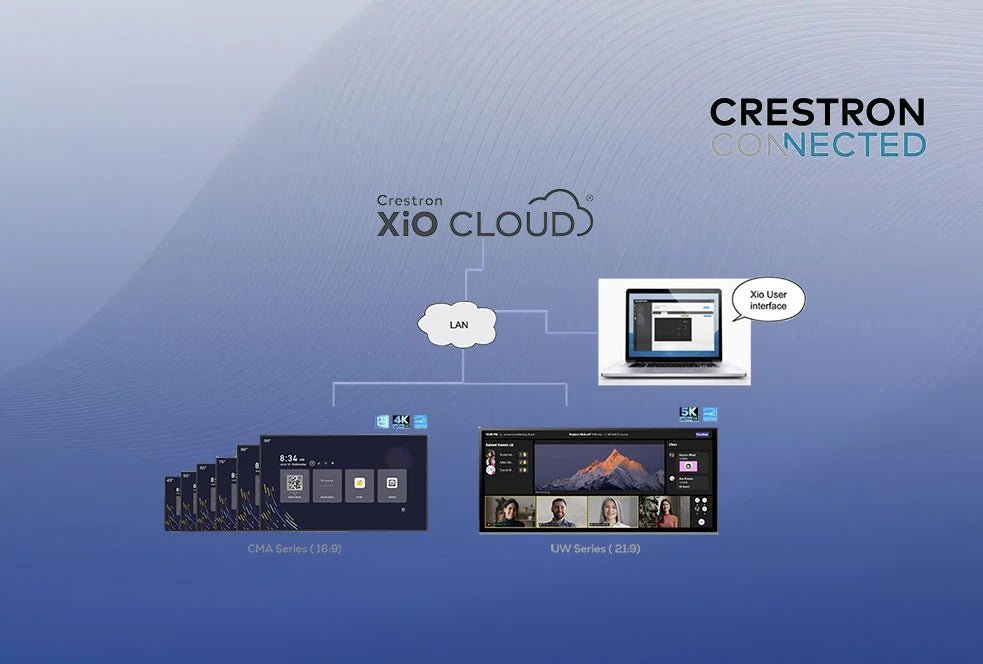

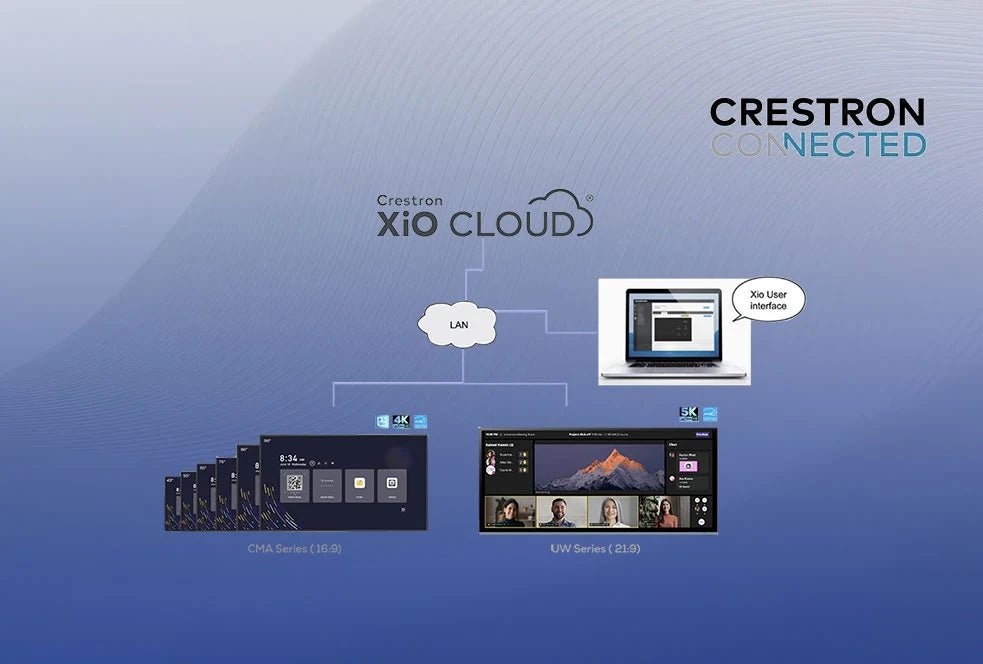




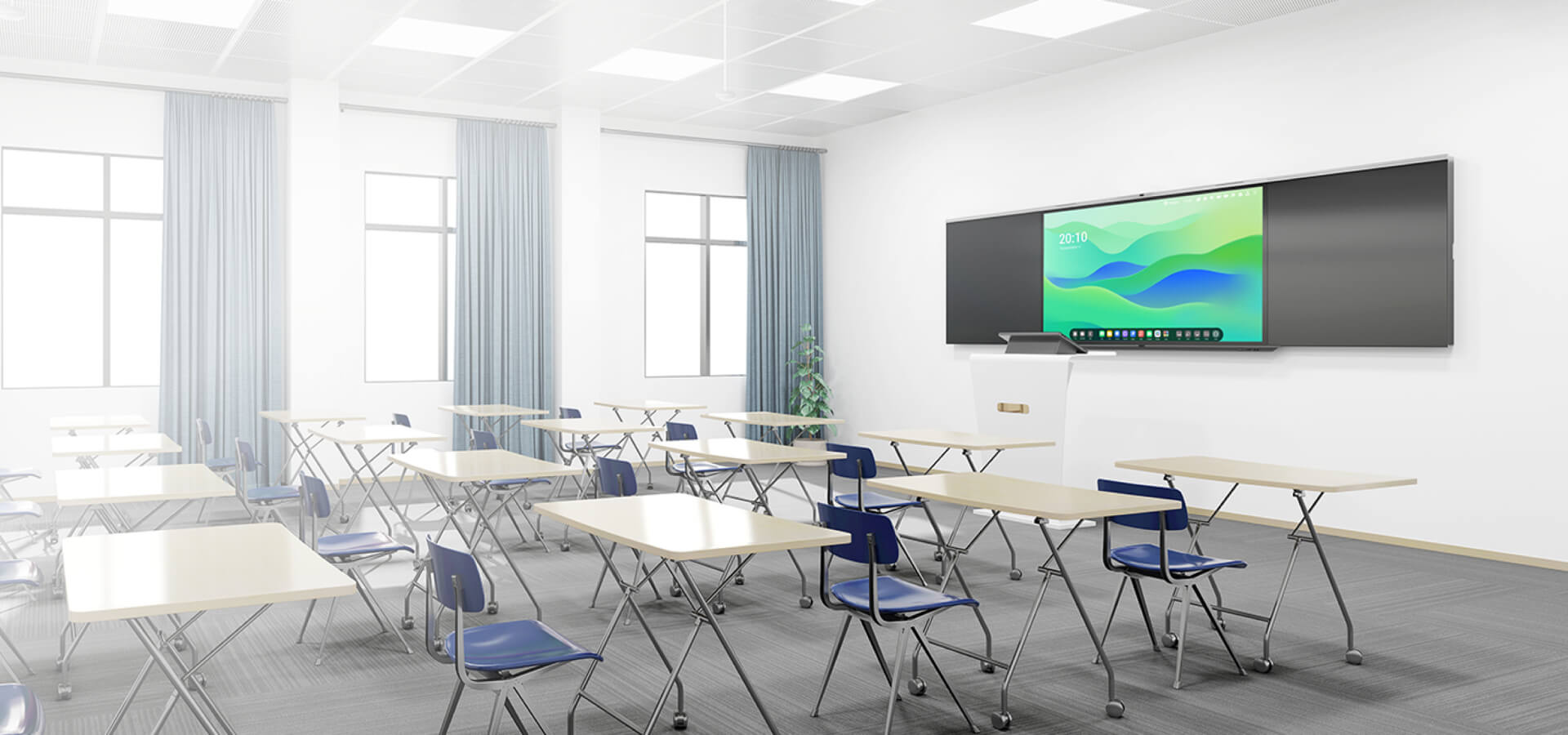

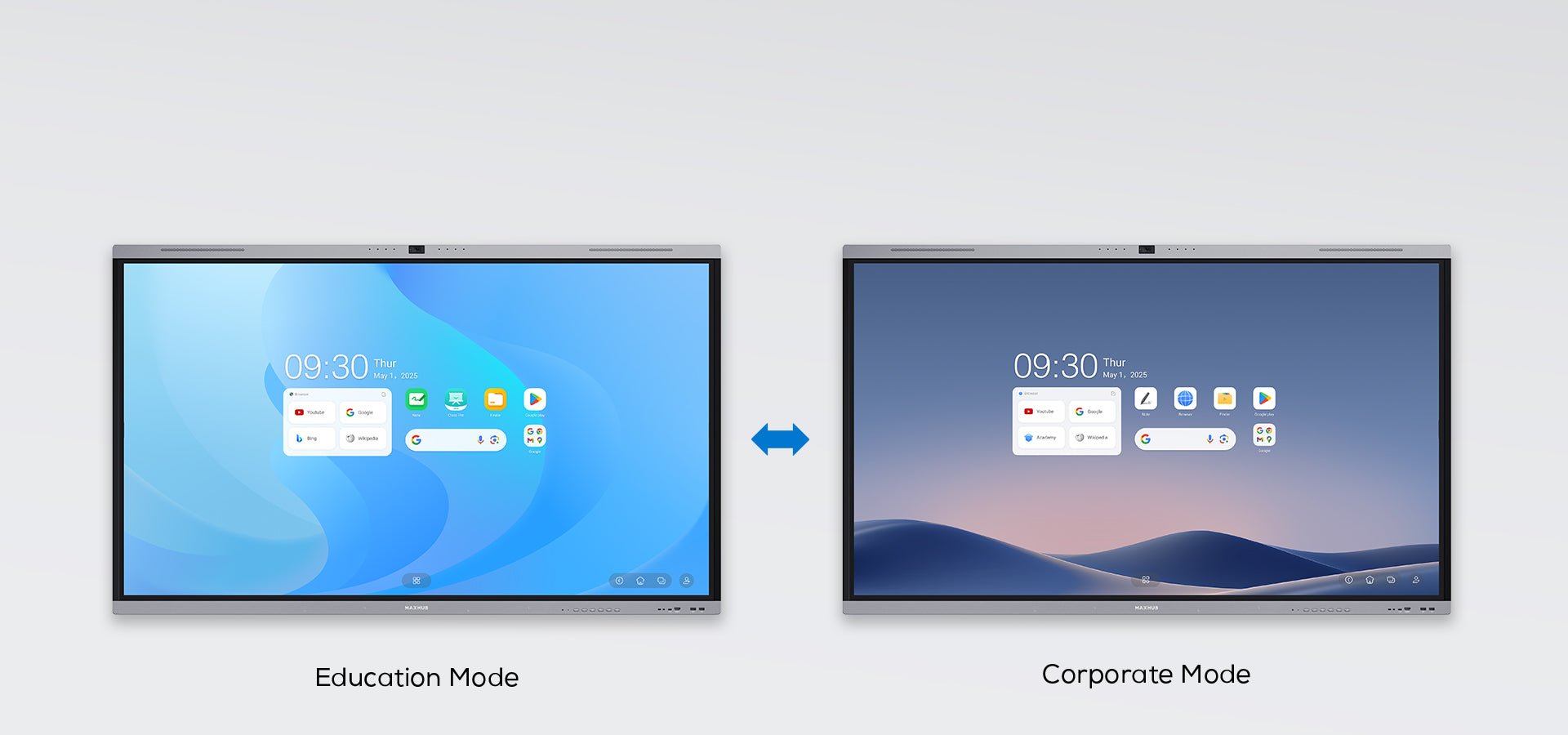

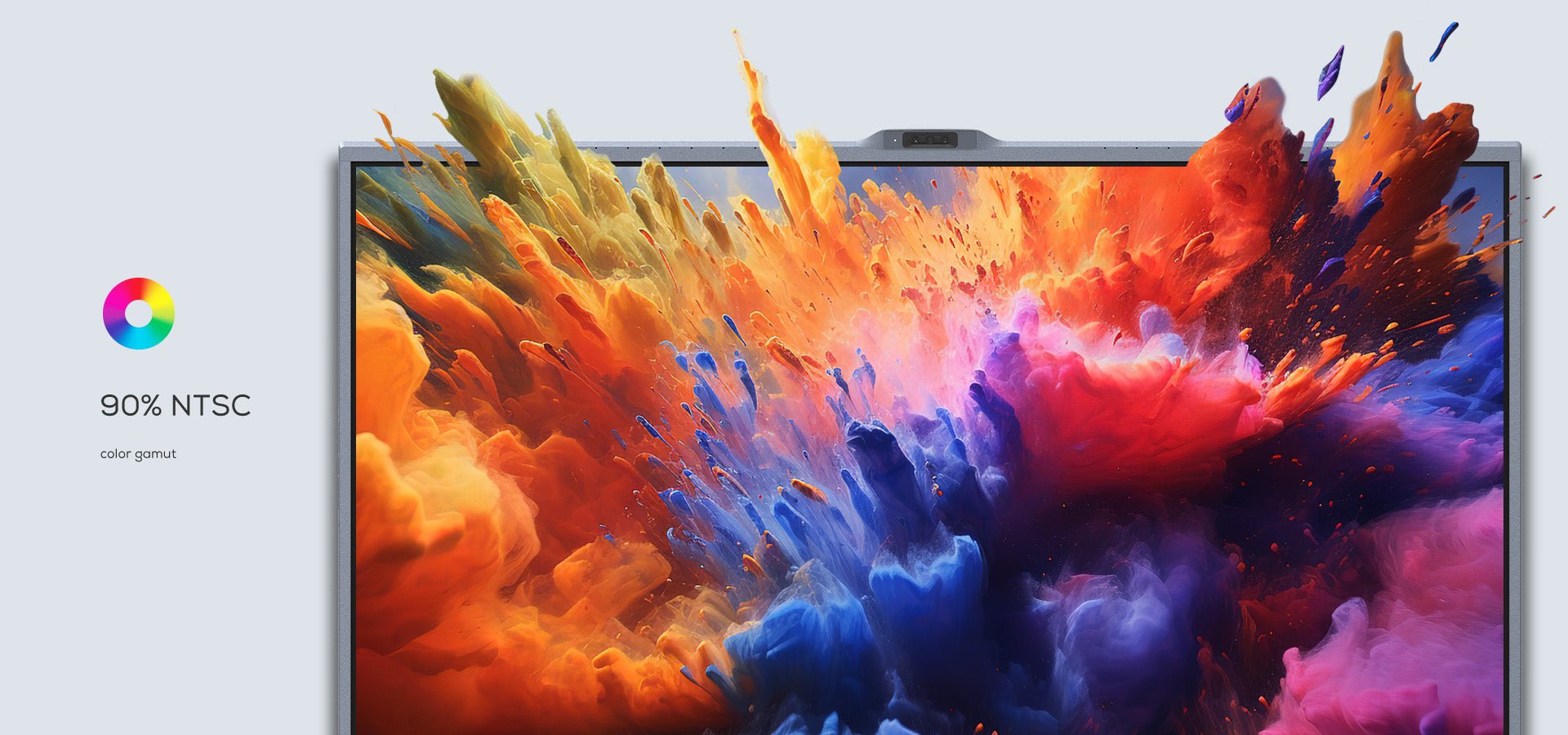

A digital display refers to the physical screen itself, while digital signage is the complete system used to deliver and manage content on one or more displays. A digital signage setup may include commercial screens, media players, content management software, networking and scheduled content.
Commercial displays are designed for frequent or extended business use and generally offer greater durability, longer operating hours, higher brightness, portrait or landscape installation options and business-focused connectivity. Regular TVs are primarily designed for home entertainment and may not be suitable for continuous operation in offices, schools, retail stores or other commercial environments.
Yes. Digital displays can be used in bright rooms, but choosing a screen with sufficient brightness is important for maintaining clear visibility. High-brightness commercial displays are particularly useful in areas with strong artificial lighting, large windows or significant natural daylight.
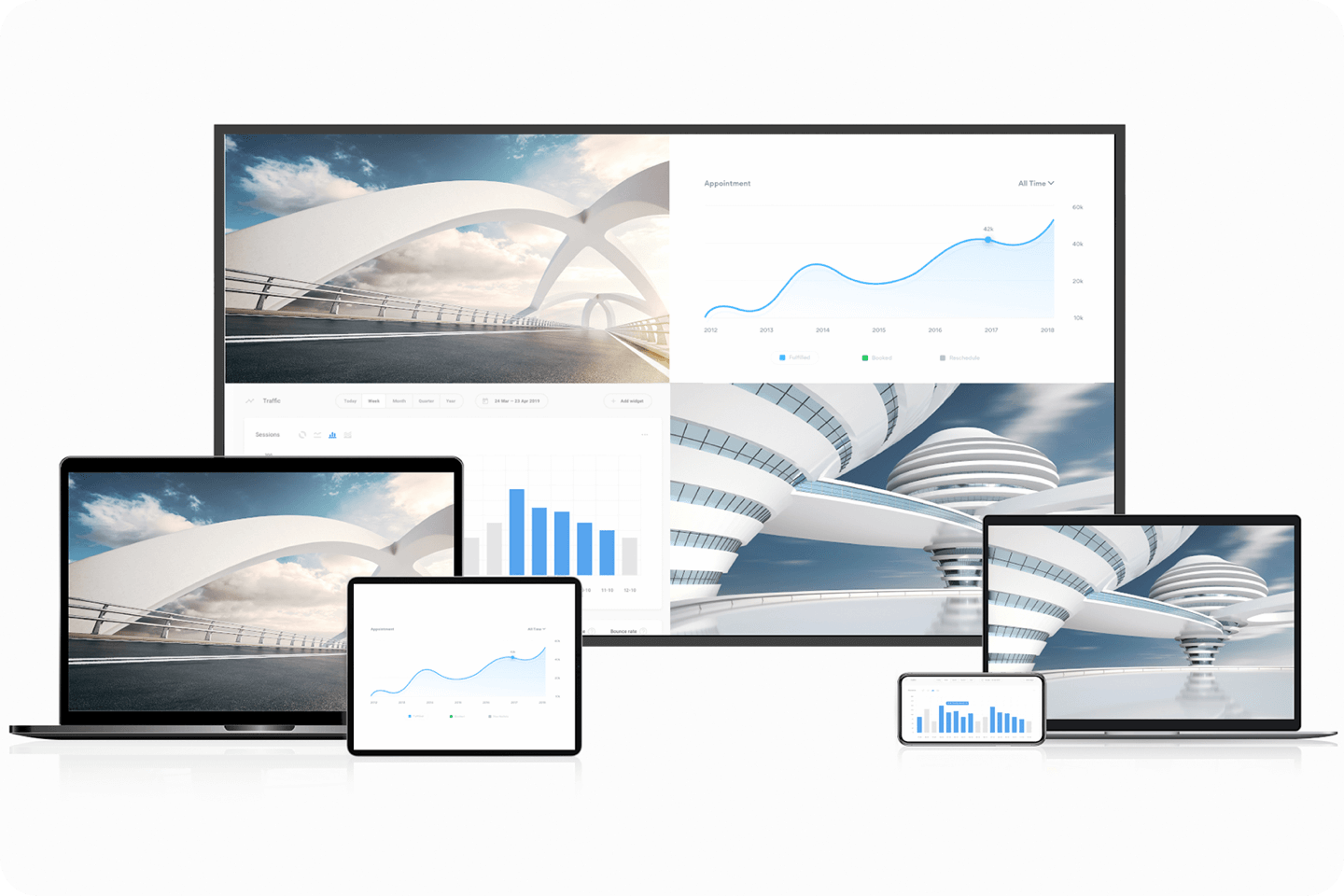
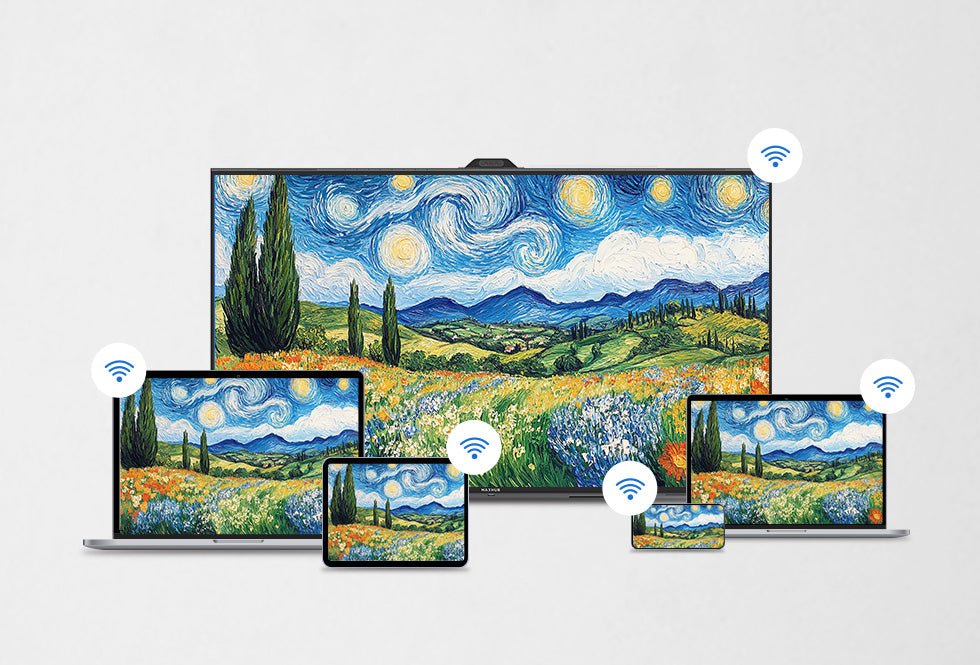
Yes. Most digital displays can connect to laptops using HDMI, USB-C, DisplayPort or other supported connections. Many commercial and interactive displays also support wireless screen sharing, allowing users to present content without connecting a physical cable.
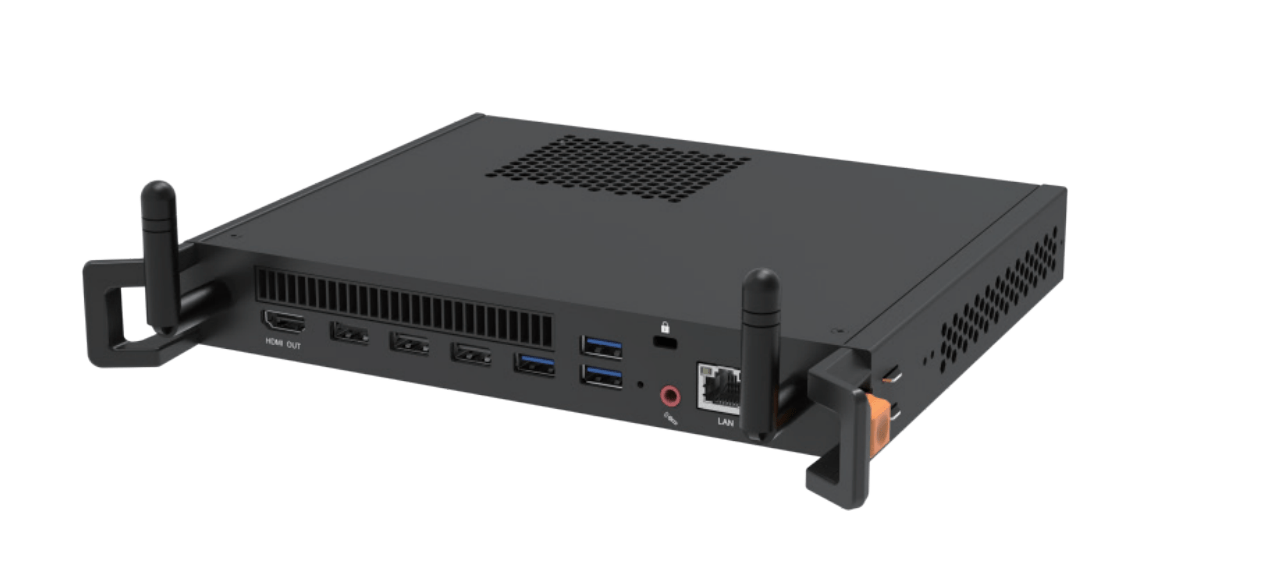
Yes. Many digital displays include multiple HDMI, USB, USB-C or DisplayPort inputs, allowing several devices to remain connected at once. Users can switch between connected laptops, computers, media players and other compatible devices using the display's input controls.