FAQs for MAXHUB Smart Blackboard B8620
Q: What makes the MAXHUB Smart Blackboard B8620 different from a standard interactive display?
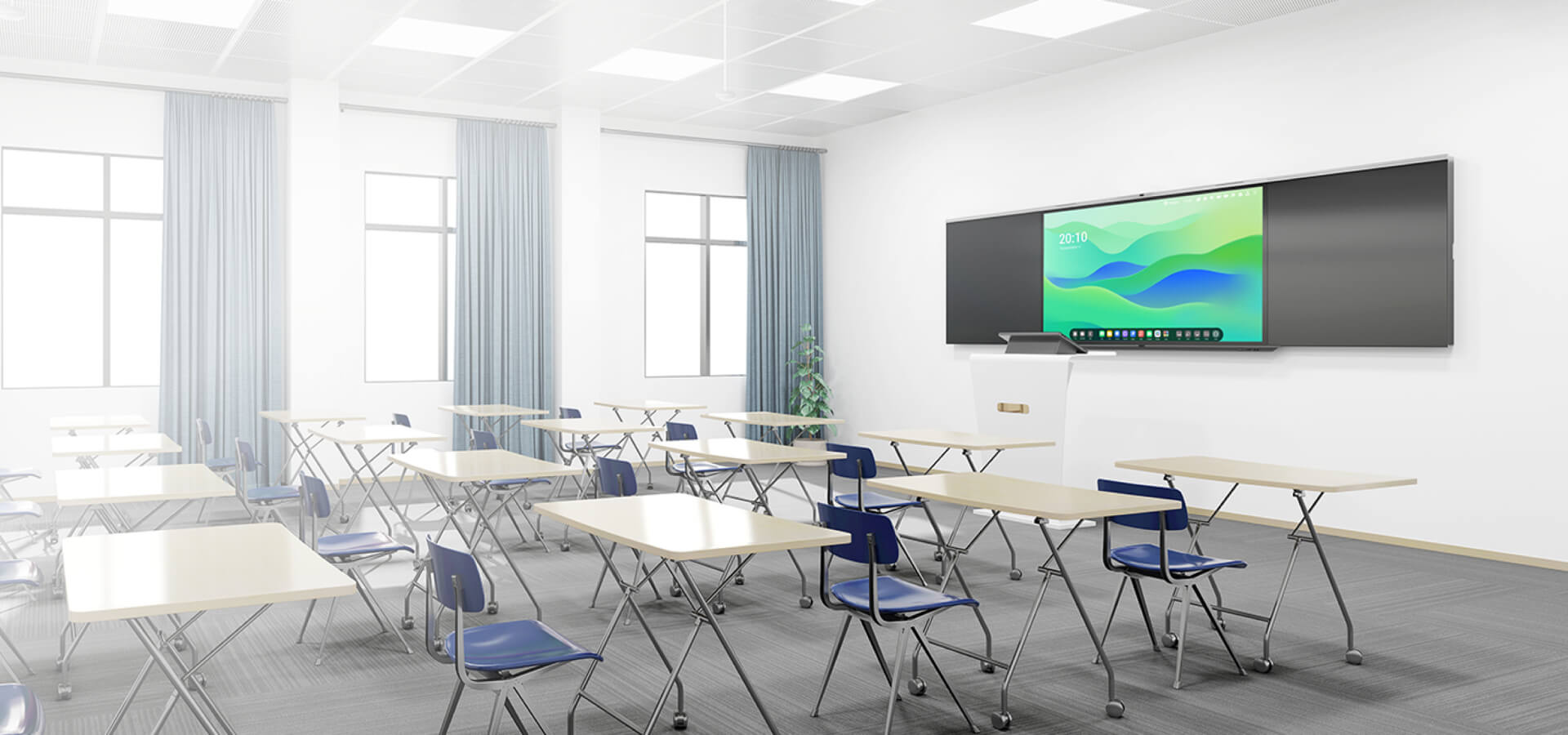
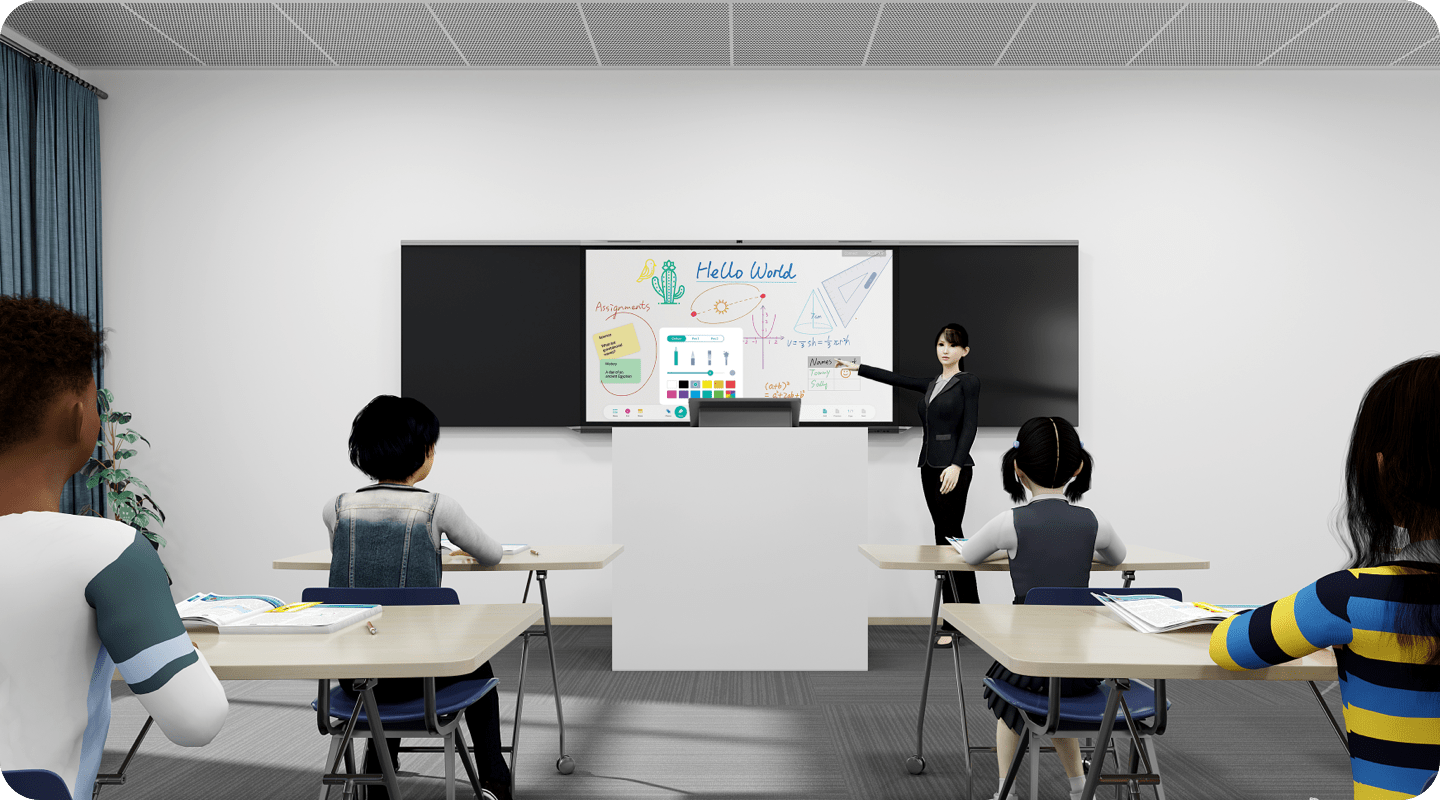
A: The MAXHUB Smart Blackboard B8620 uniquely combines a traditional blackboard writing surface with a 4K interactive digital display. Teachers can write using chalk or liquid pens while also accessing touch-based apps, presentations, and collaboration tools. This hybrid design makes it ideal for Australian classrooms transitioning from classic teaching methods to modern, technology-enabled learning.
Q: Can I use real chalk on the MAXHUB B8620 smart blackboard?
A: Yes. The MAXHUB B8620 fully supports original chalk, dustless chalk, and liquid pens across the entire surface. Its etched anti-glare glass provides a natural writing feel with low resistance and zero parallax, allowing teachers to write just as they would on a traditional blackboard—without sacrificing digital functionality.
Q: Is the MAXHUB Smart Blackboard B8620 suitable for long teaching sessions?
A: Absolutely. The display is certified with TÜV Eye Comfort, Low Blue Light, and Flicker-Free technology, helping to reduce eye strain for both teachers and students. This makes the MAXHUB B8620 well suited for extended lessons, full school days, and long university lectures.
Q: What is the screen size and resolution of the MAXHUB B8620?
A: The MAXHUB Smart Blackboard B8620 features a large 86-inch display with 4K Ultra HD resolution (3840 × 2160). With high brightness and a wide colour gamut, it delivers sharp text, vivid visuals, and clear diagrams—ideal for large classrooms, lecture theatres, and training rooms.
Q: Does the MAXHUB B8620 support video conferencing and hybrid learning?
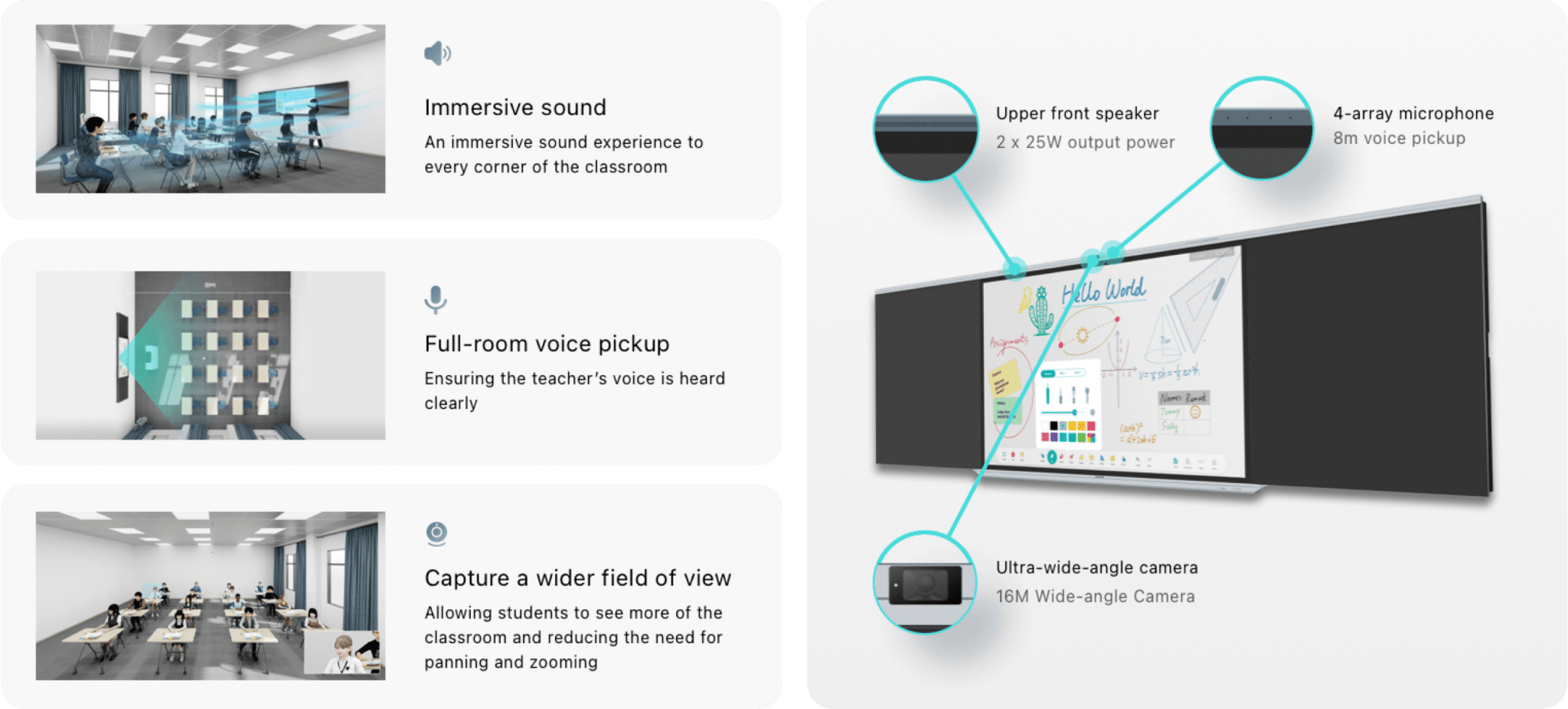
A: Yes. It includes a built-in 16MP wide-angle camera, 4-array microphone, and powerful front-facing speakers, making it perfect for hybrid teaching, video recording, and remote collaboration. Teachers can easily run virtual classes, record lessons, or connect with remote students without additional AV equipment.
Q: How does USB-C connectivity improve classroom usability?
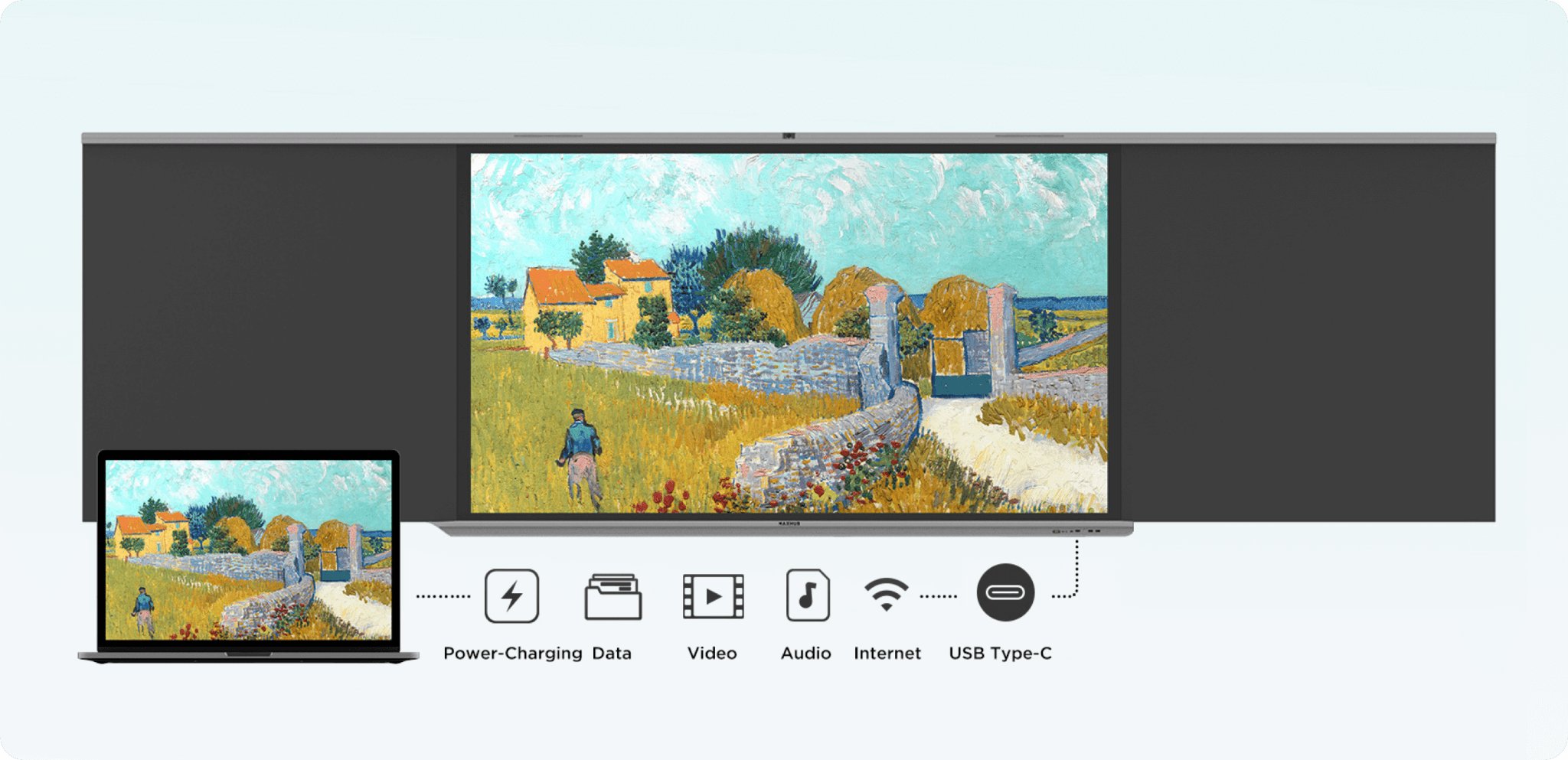
A: The front-facing USB-C port allows a single cable connection for video, audio, touch control, networking, and up to 65W laptop charging. It supports 4K @ 60Hz, enabling teachers to quickly connect their laptop and start teaching without cable clutter or complex setup.
Q: Is the MAXHUB Smart Blackboard B8620 easy for schools to manage?
A: Yes. With MAXHUB Pivot remote device management, IT teams can monitor performance, deploy updates, and troubleshoot issues remotely. This reduces downtime, minimises on-site visits, and makes the B8620 a practical choice for schools, universities, and government education facilities.
Q: What warranty is included with the MAXHUB B8620 in Australia?
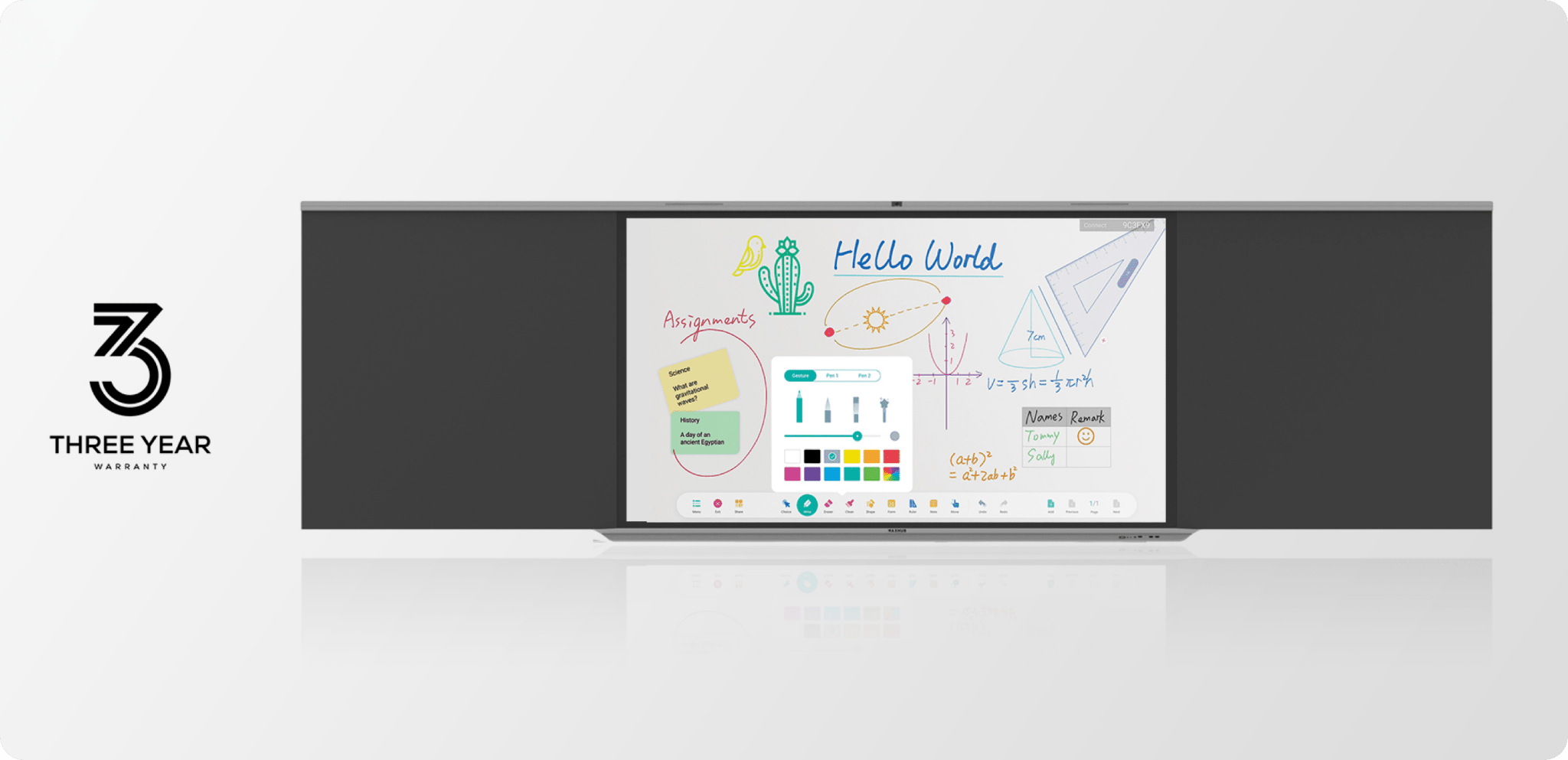
A: The MAXHUB Smart Blackboard B8620 is backed by a 3-Year Hot Swap Warranty, providing peace of mind for education buyers. If a fault occurs, the hot swap service helps minimise disruption to teaching schedules in demanding classroom environments.
Q: Is the MAXHUB B8620 safe and durable for school use?
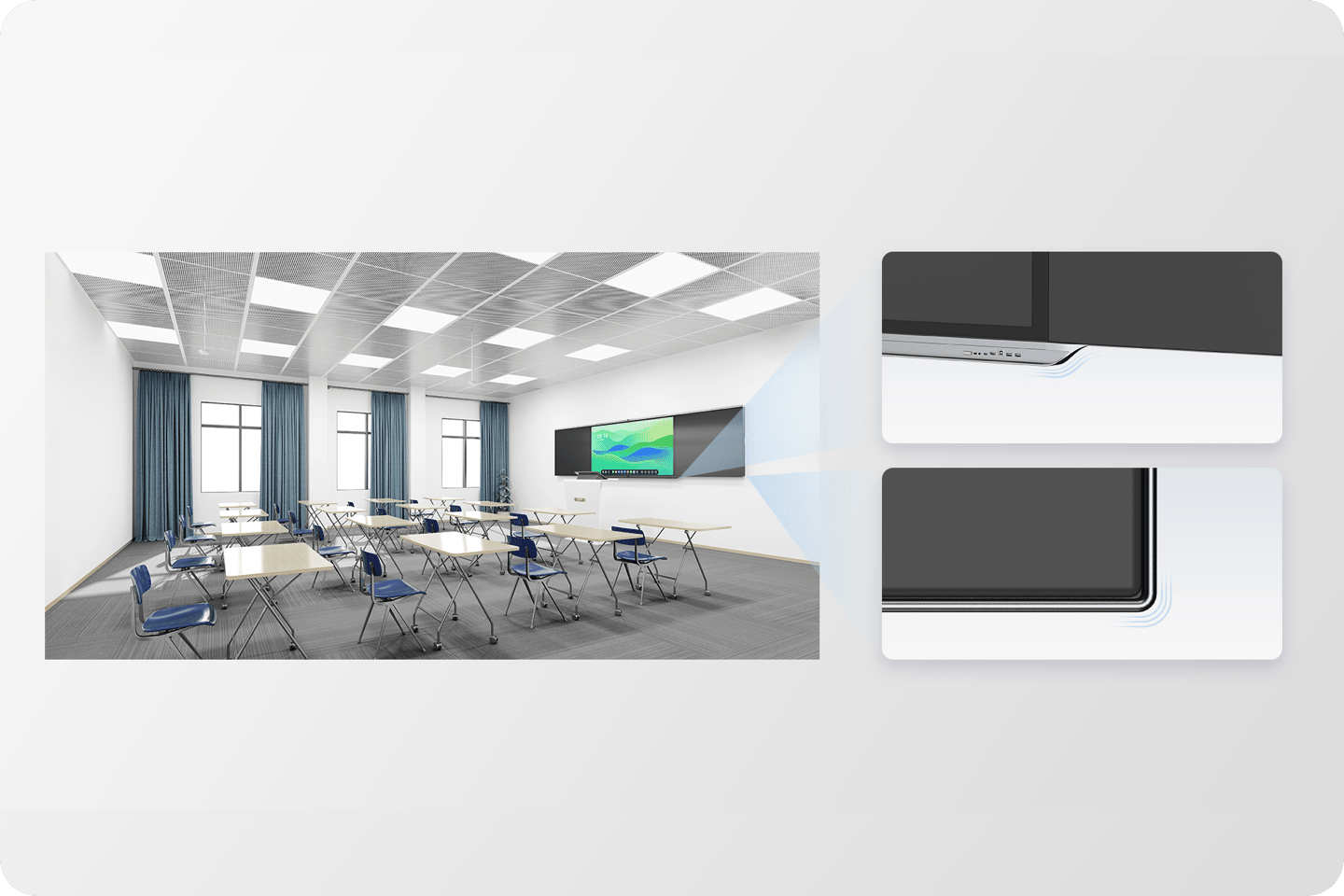
A: Designed specifically for education, the B8620 features a fully metal body with rounded safety corners and 9H tempered glass. This robust, classroom-safe construction ensures long-term durability while reducing the risk of damage or injury in busy learning spaces.