FAQs for MAXHUB CMA Series Digital Display Board
Q: What screen sizes are available in the MAXHUB CMA Series digital display board?
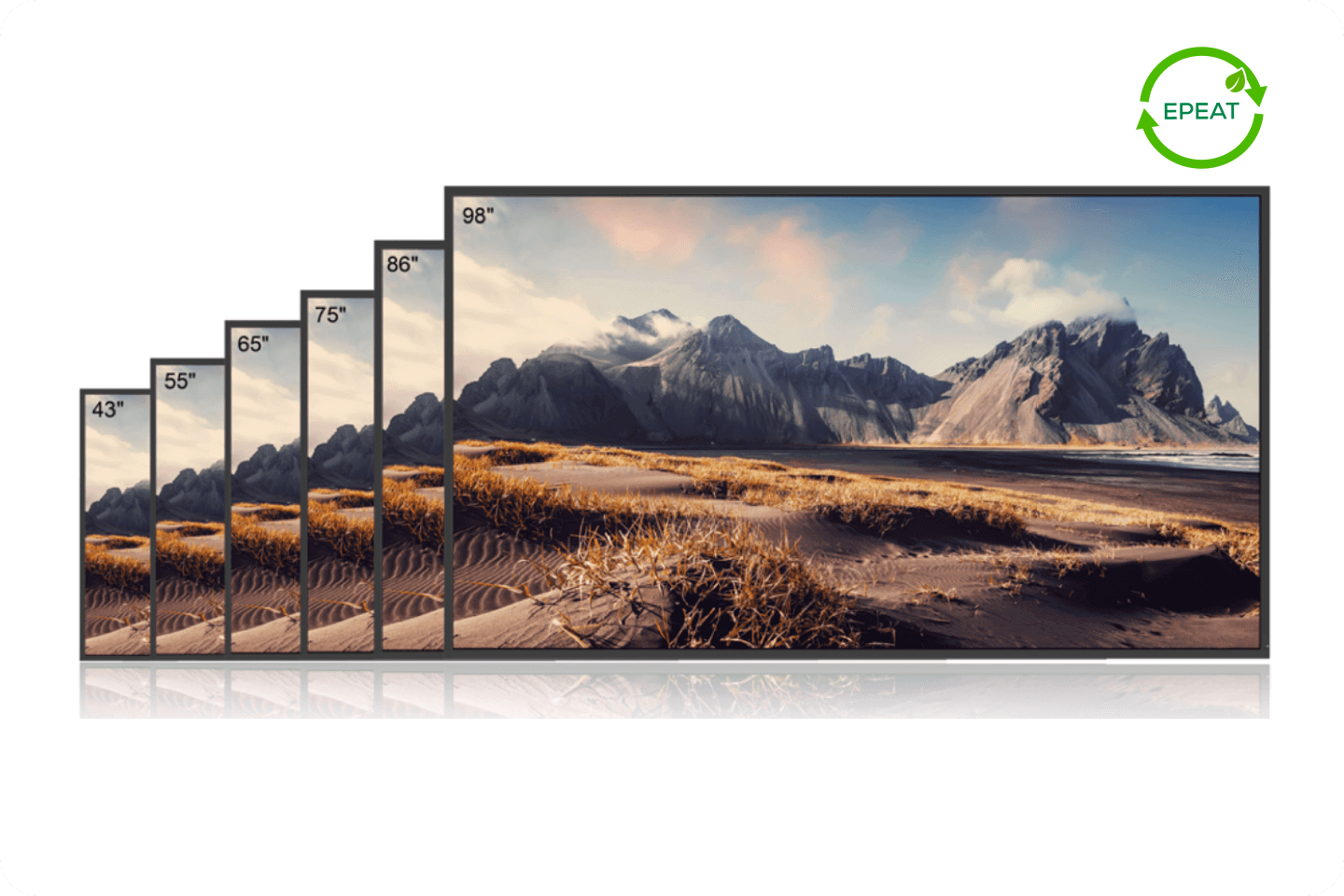
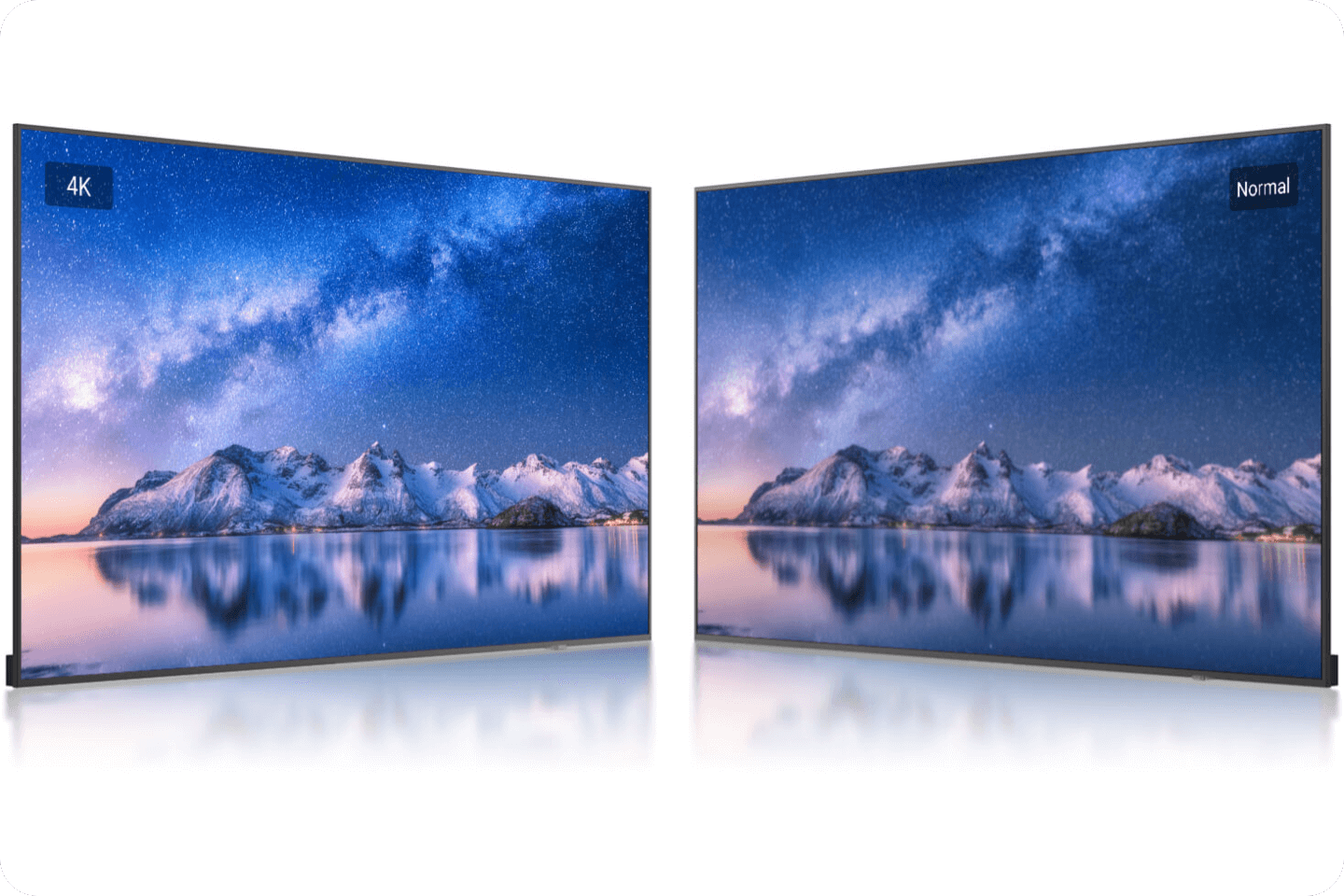
A: The MAXHUB CMA Series comes in six sizes: 43″, 55″, 65″, 75″, 86″, and 98″. All models deliver 4K UHD resolution with a 178° viewing angle and 500-nit brightness. This range ensures there is a suitable option for compact meeting rooms, mid-sized classrooms, or large lobbies and auditoriums where clear visuals and reliable performance are required.
Q: Is the MAXHUB CMA display suitable for 24/7 operation?
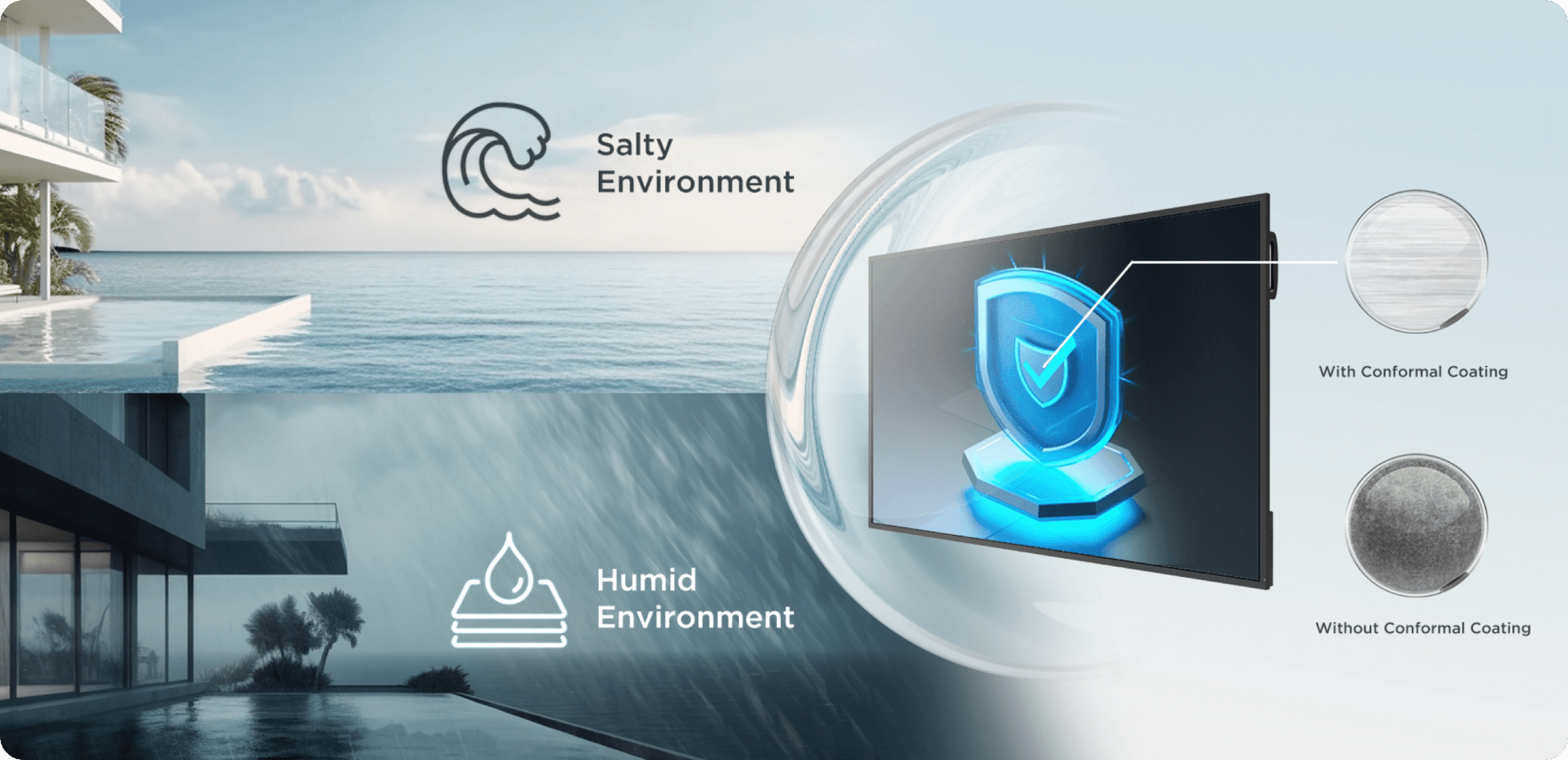
A: Yes, the CMA Series is designed for continuous use with a 24/7 duty cycle and a lifespan of at least 50,000 hours. Combined with its conformal coating that protects against dust, salt and humidity, it offers the durability needed for signage, education and corporate environments where reliability is critical.
Q: Does the CMA Series support wireless screen sharing and BYOM workflows?
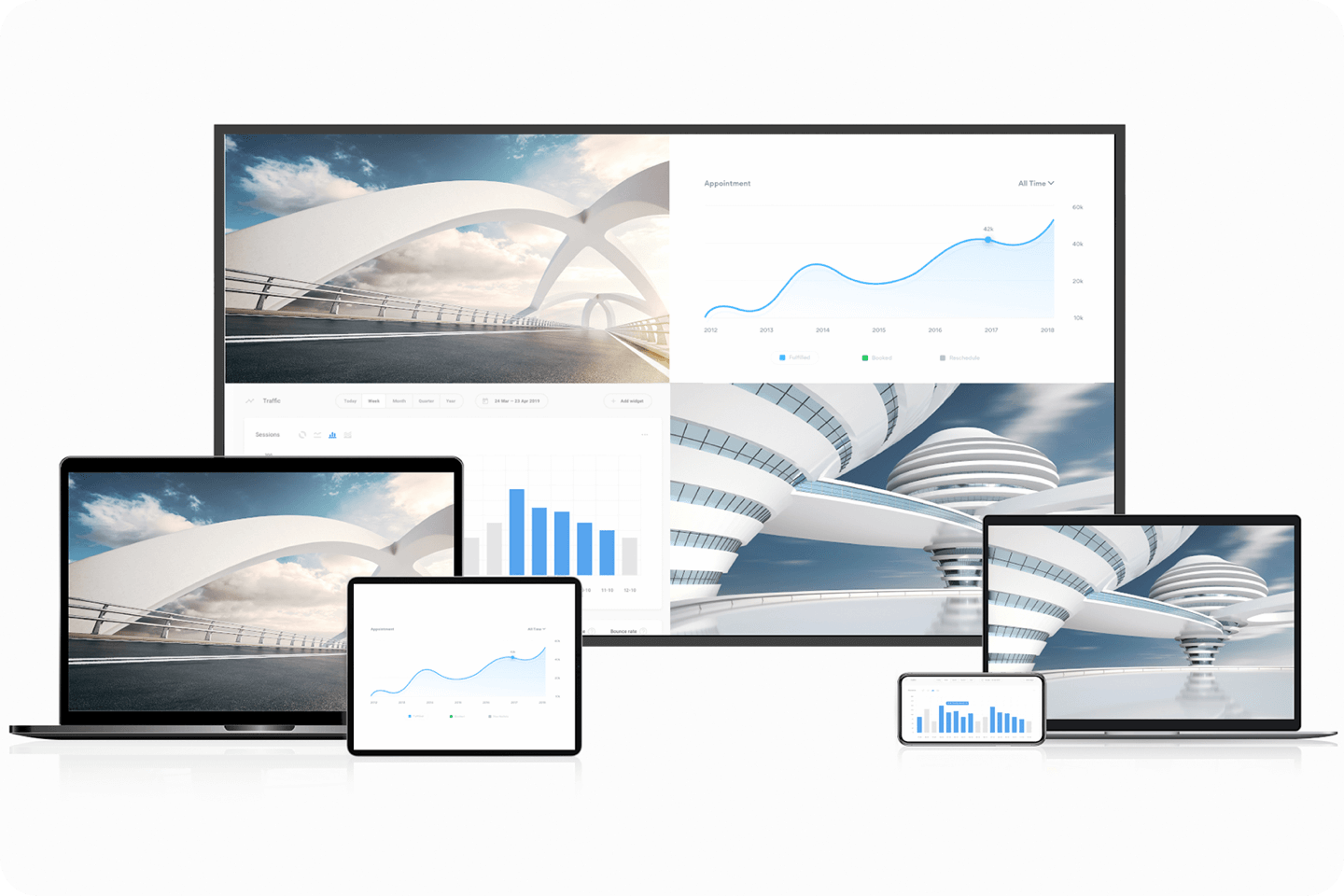
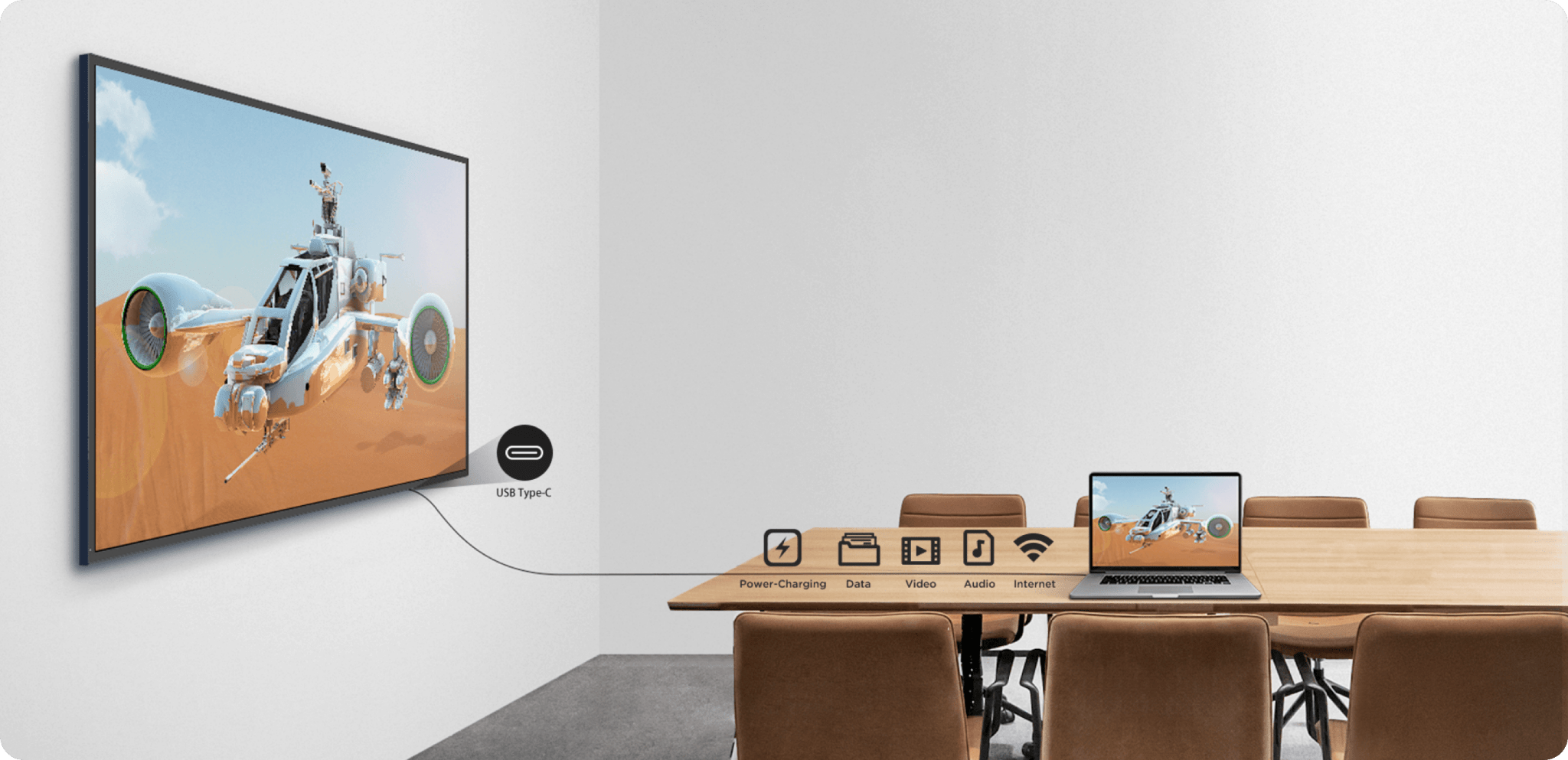
A: Absolutely. CMA supports MAXHUB Share, AirPlay, Chromecast and Miracast, plus a full-function USB-C port with 65W charging for BYOM (Bring Your Own Meeting). This makes it easy to present, collaborate, and power your laptop with a single cable or go fully wireless when needed.
Q: What certifications does the MAXHUB CMA Series hold?
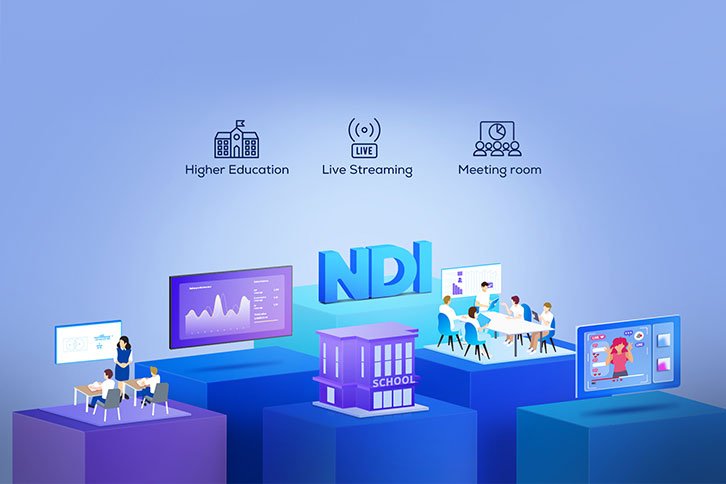
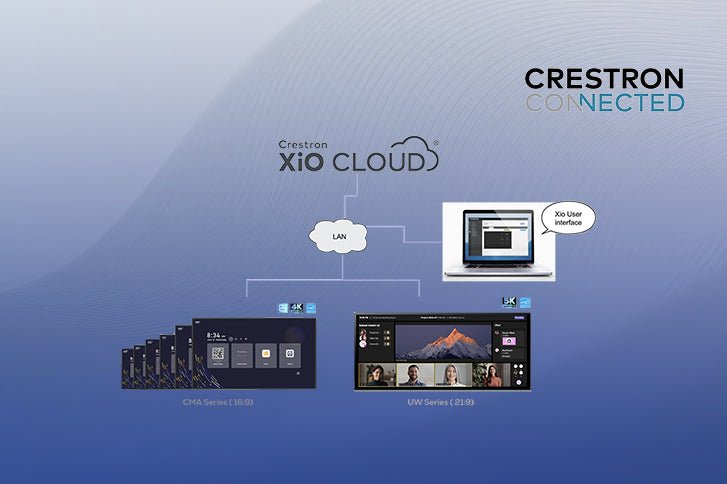
A: The CMA is Crestron Connected® certified, enabling seamless integration with Crestron control systems, one-touch input switching and real-time diagnostics. It is also Energy Star certified, helping organisations lower running costs while meeting sustainability goals. NDI certification is expected in 2025, further expanding its use for live streaming and education.
Q: Can the MAXHUB CMA be used for digital signage as well as meetings?
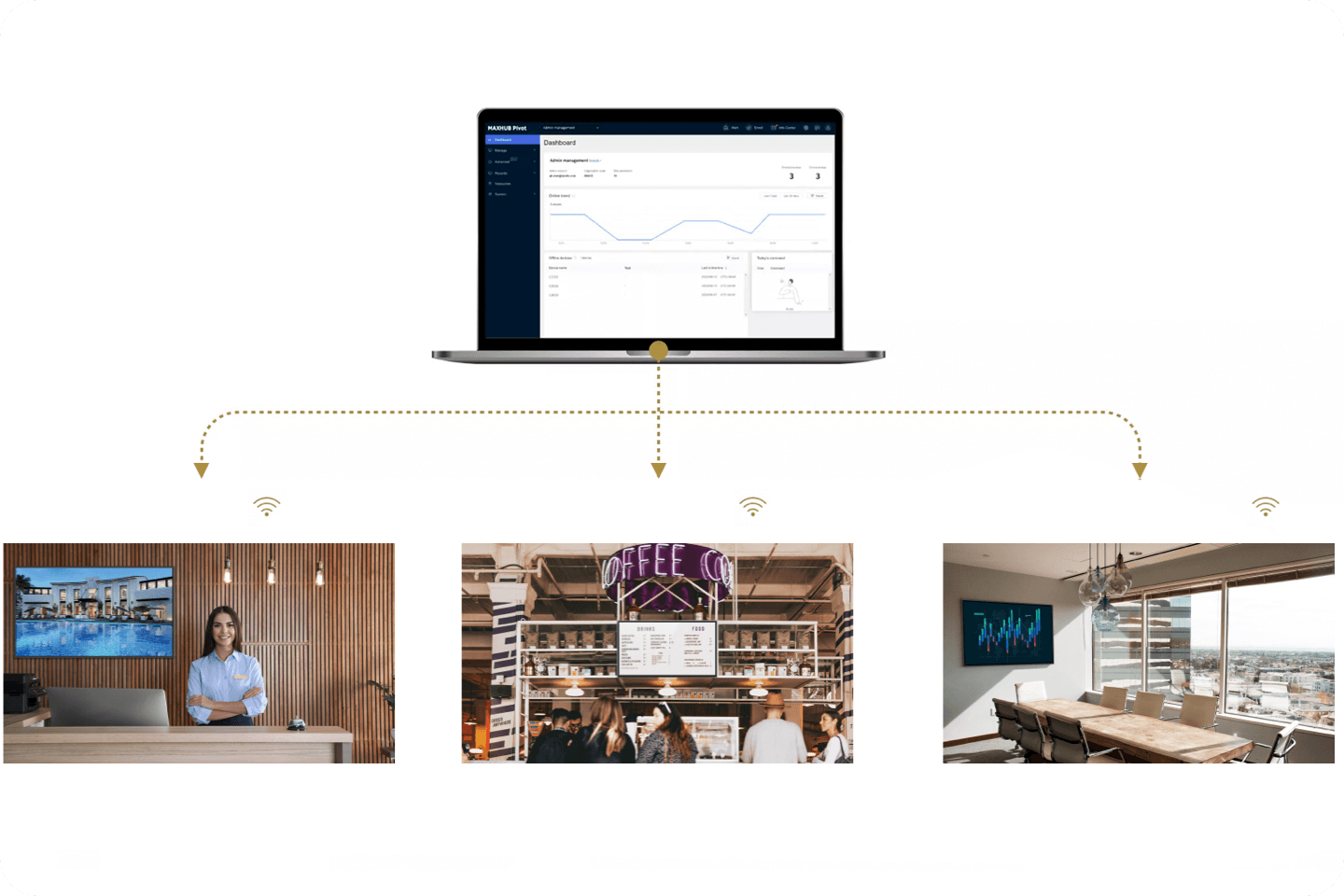
A: Yes, the CMA Series is versatile enough for both. With Pivot management software, IT teams can centrally push content for reception areas, wayfinding, and promotions, while its Crestron certification and BYOM capabilities make it equally effective in Teams Rooms and meeting spaces.
Q: What panel technology is used in the CMA Series?
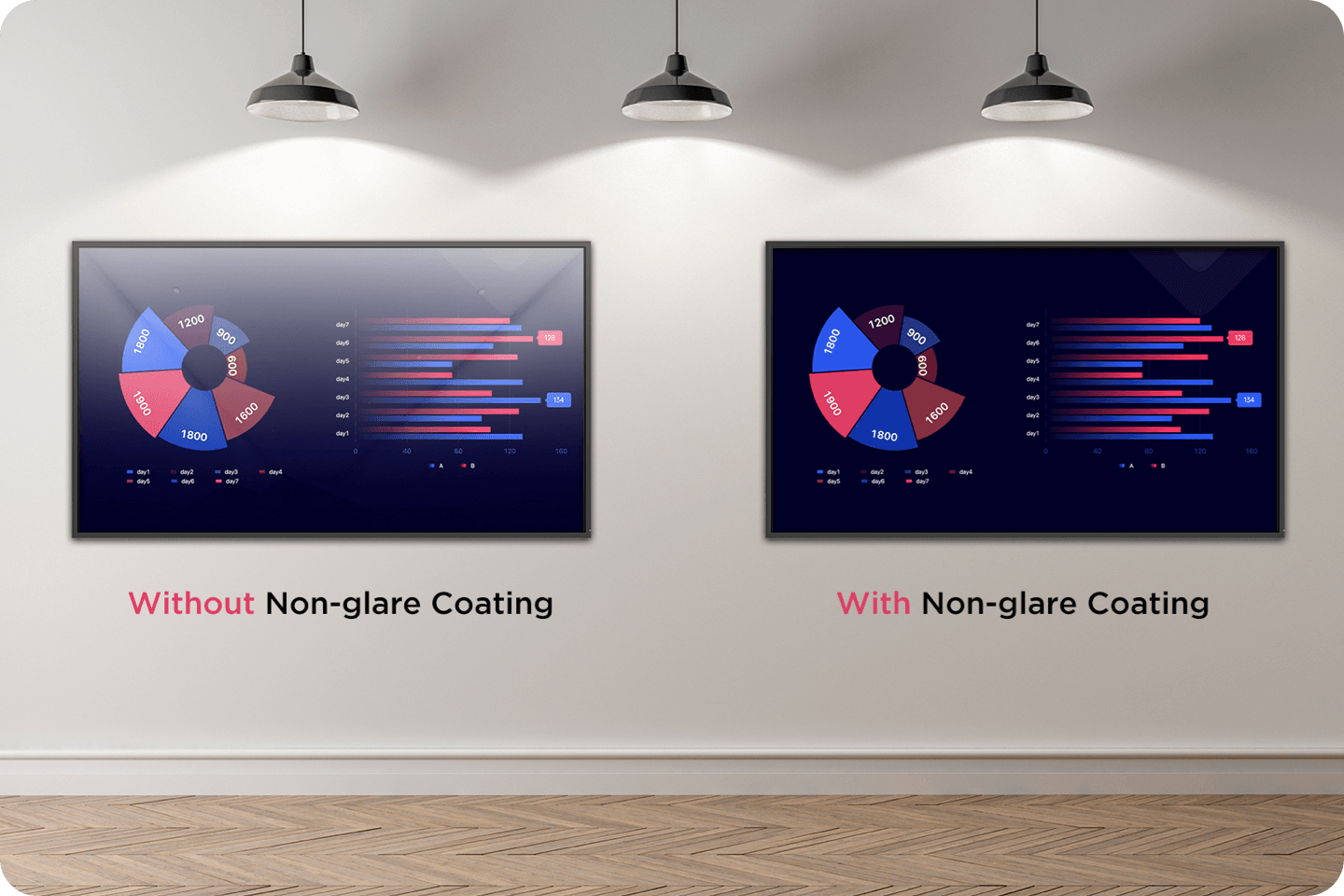
A: The 43″ and 55″ models use VA panels with a 5000:1 contrast ratio for rich blacks, while the 65″, 75″, 86″ and 98″ models use ADS panels with wide viewing angles and 1200:1 contrast ratio. All models include a non-glare finish for comfortable viewing in bright spaces.
Q: Does the MAXHUB CMA support OPS modules?
A: Yes, but only on the larger models. The 65″, 75″, 86″ and 98″ CMA displays include an 80-pin OPS slot (compatible with OPS62A), allowing for seamless PC integration. The 43″ and 55″ models do not include OPS capability, making them more lightweight and compact for smaller spaces.
Q: How easy is it to manage multiple CMA displays across a campus or organisation?
A: Very easy. With MAXHUB Pivot, IT administrators can remotely monitor devices, push content, and perform diagnostics, cutting down support costs and downtime. The Crestron XiO Cloud® compatibility further enhances fleet management, making the CMA Series ideal for enterprise, education and government rollouts.
Q: What mounting options are available for the CMA Series?
A: The CMA Series supports both landscape and portrait installation. The 43″ and 55″ models are compatible with the WIB4722A wall mount, while the 65″ to 98″ models suit the WIB9080A wall mount. This flexibility makes it simple to install in a variety of environments.