FAQs for MAXHUB U4 Series Digital Displays
Q: What sizes are available in the MAXHUB U4 Series digital displays?
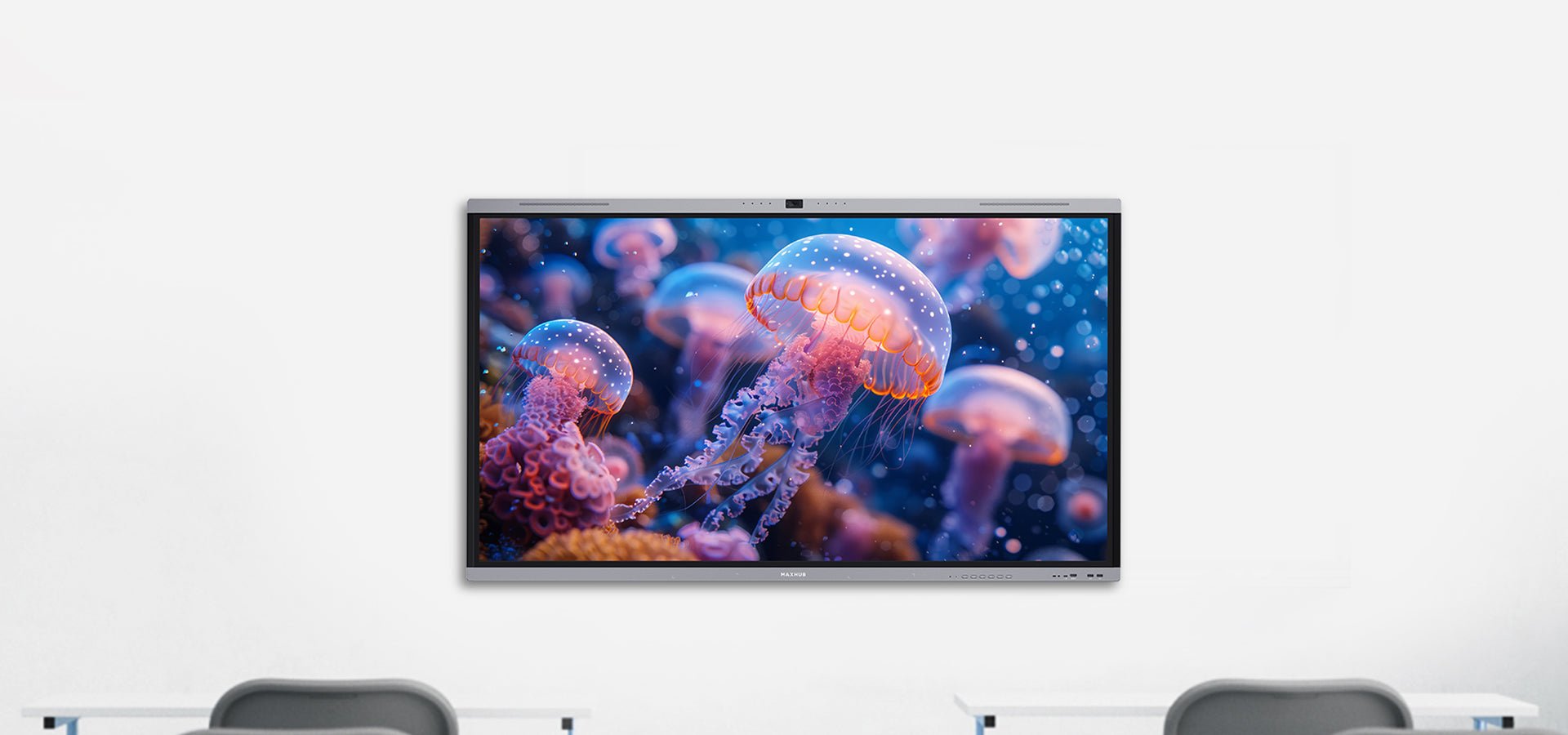
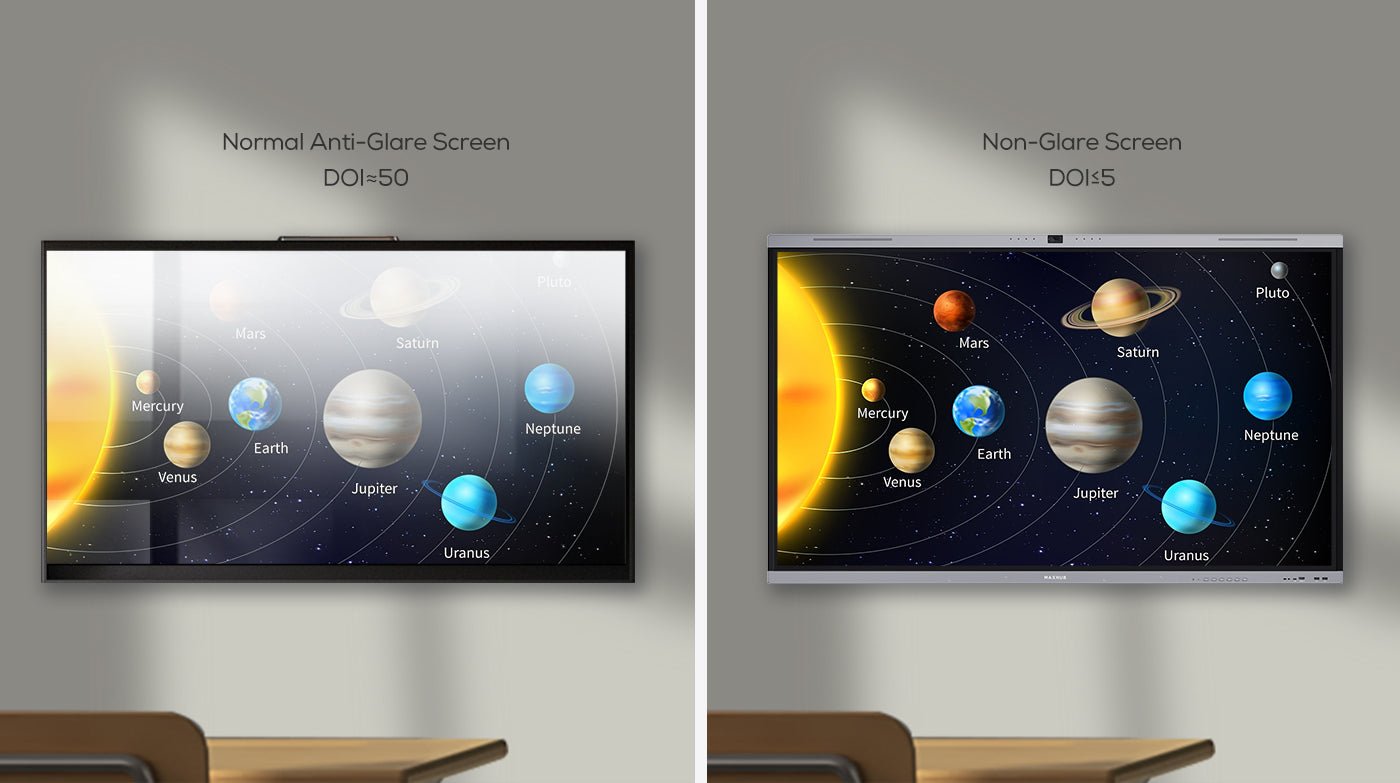
A: The MAXHUB U4 Series comes in three sizes — 65″, 75″ and 86″ — to suit different classrooms, training rooms and meeting spaces. All models deliver 4K UHD resolution, anti-glare etched glass, and accurate colour reproduction, ensuring content looks vibrant and clear in both small rooms and large lecture theatres.
Q: Is the MAXHUB U4 screen safe for students’ eyes during long sessions?
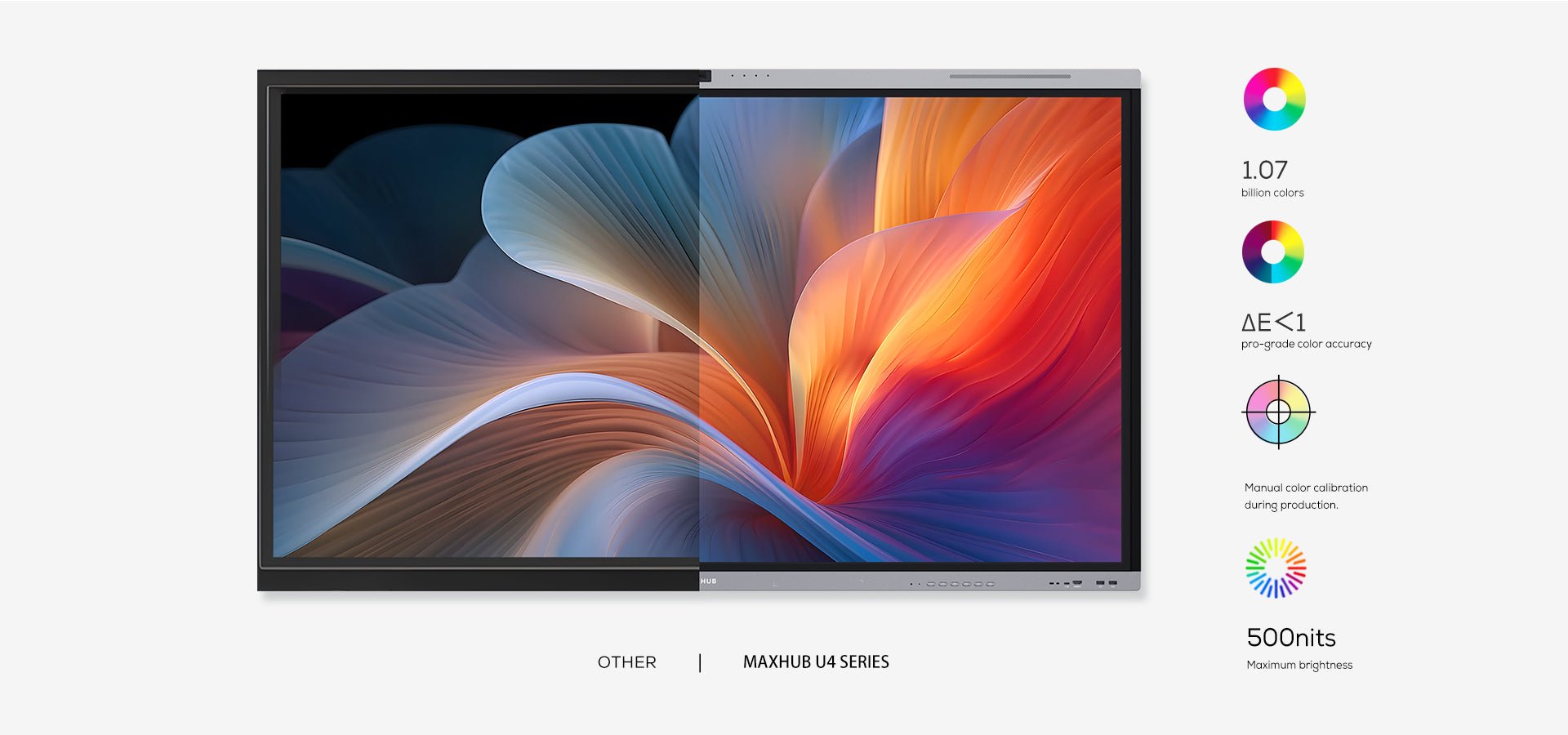
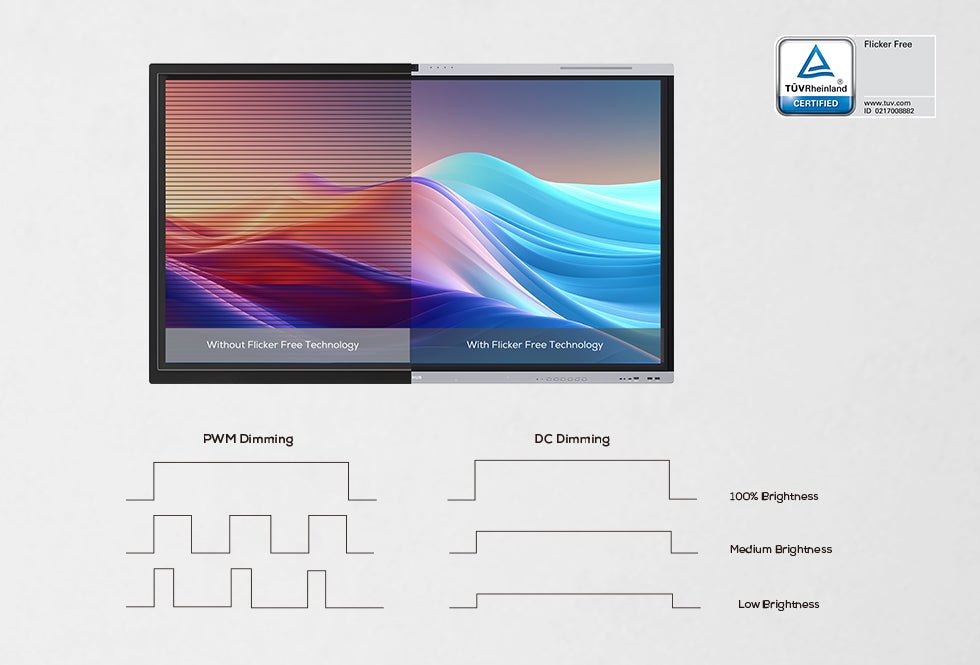
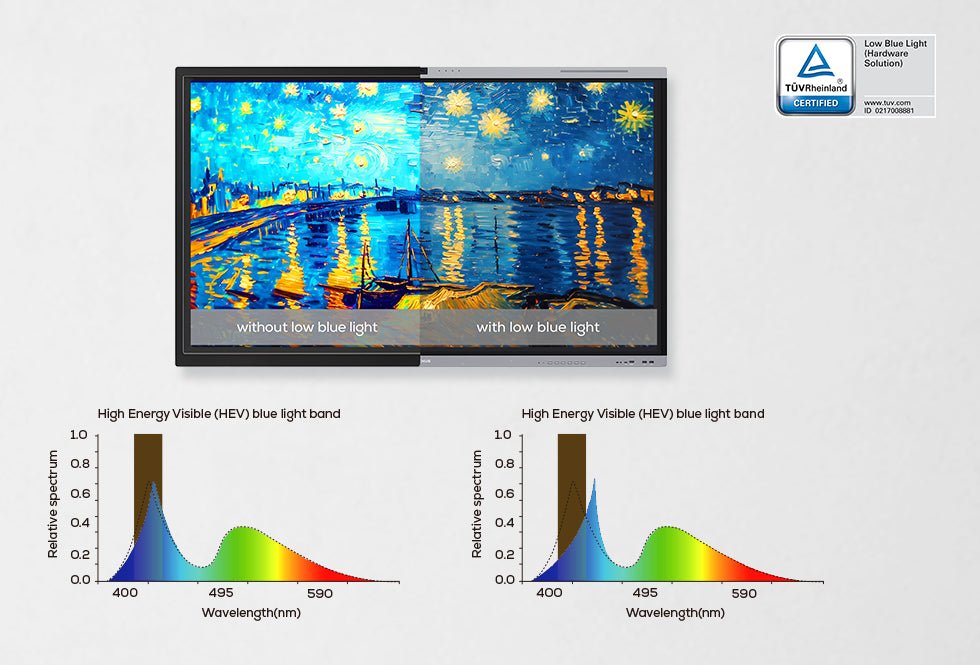
A: Yes, the U4 Series is TÜV-certified for Low Blue Light and Flicker-Free DC dimming, significantly reducing eye strain. Combined with 98% sRGB colour accuracy, 10-bit depth and ΔE≤1 precision, the display ensures a visually healthy experience for extended use in schools, training labs and offices.
Q: Can the MAXHUB U4 Series support interactive learning and collaboration?
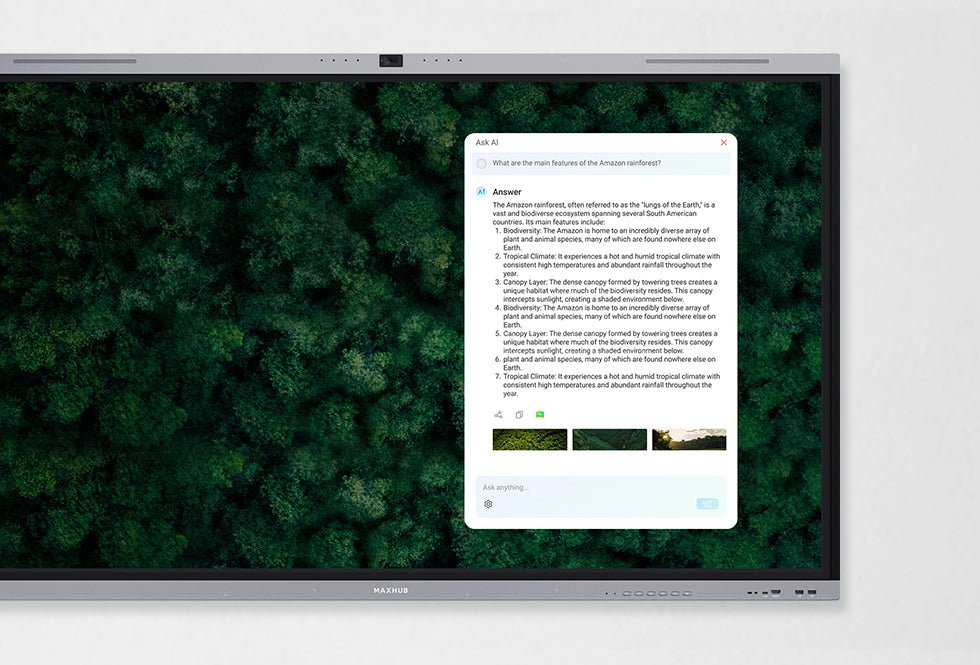
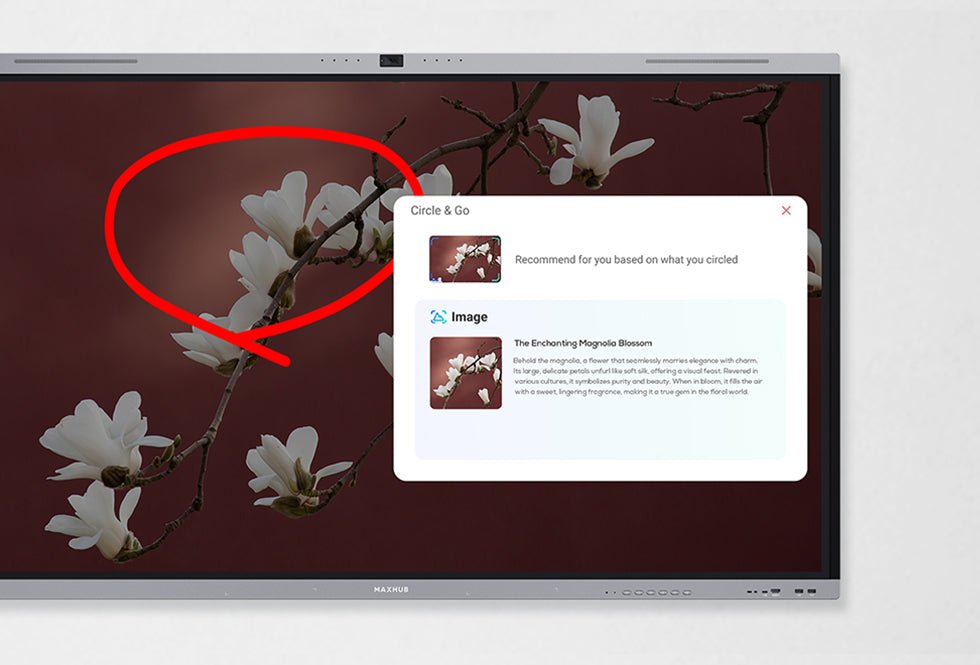
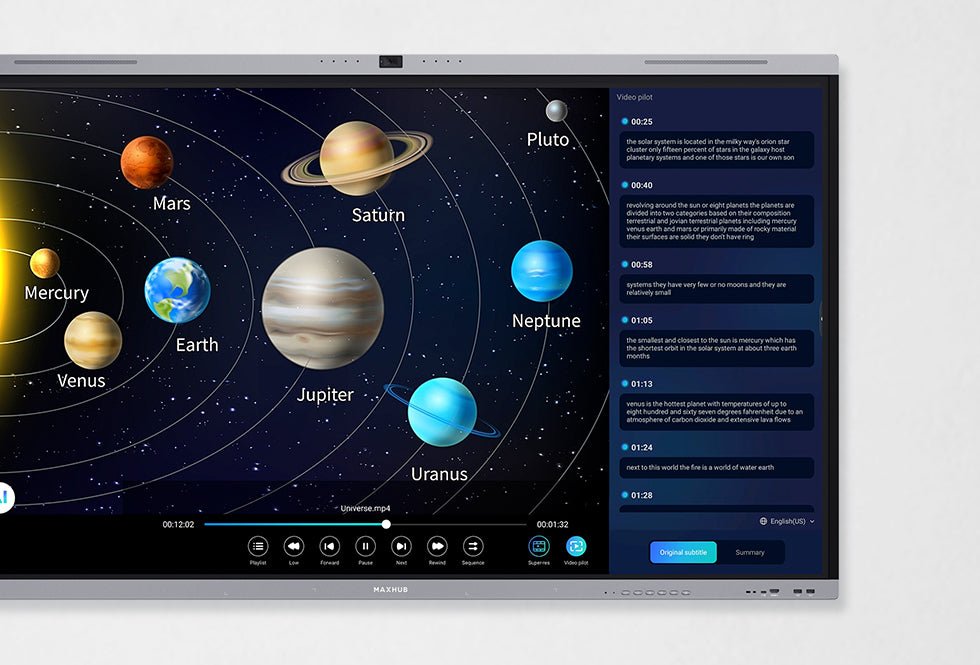
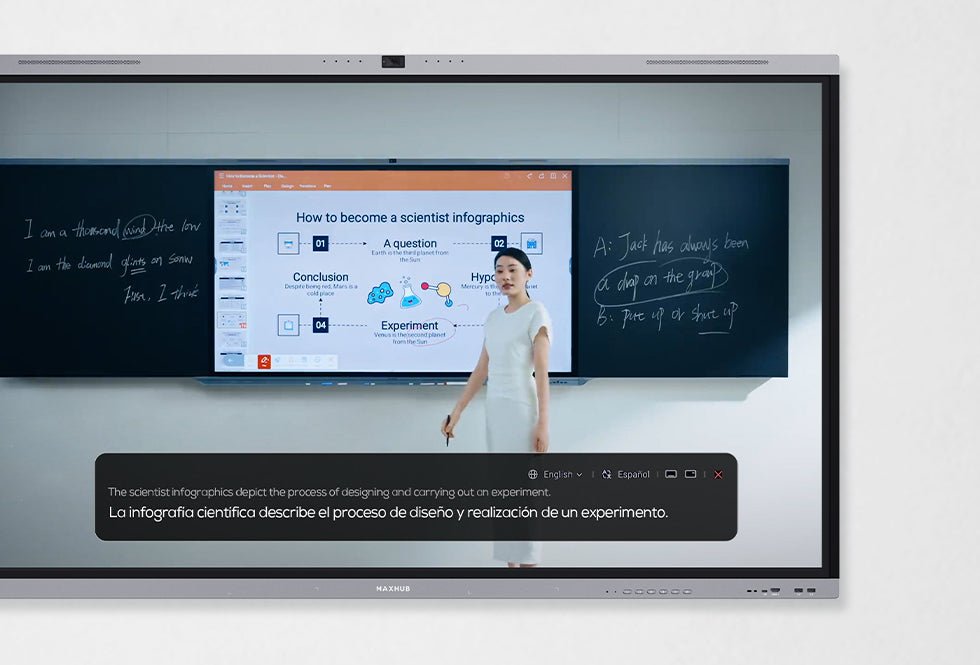
A: Absolutely. With 50-point multi-touch, ±0.5mm precision, palm rejection and Think&Ink technology, teachers and students can annotate, highlight and collaborate naturally on screen. The system also includes AI-powered tools like EasiClass, Ask AI and Live Subtitle to make learning more engaging and inclusive.
Q: Does the MAXHUB U4 come with built-in audio and video for hybrid classes?
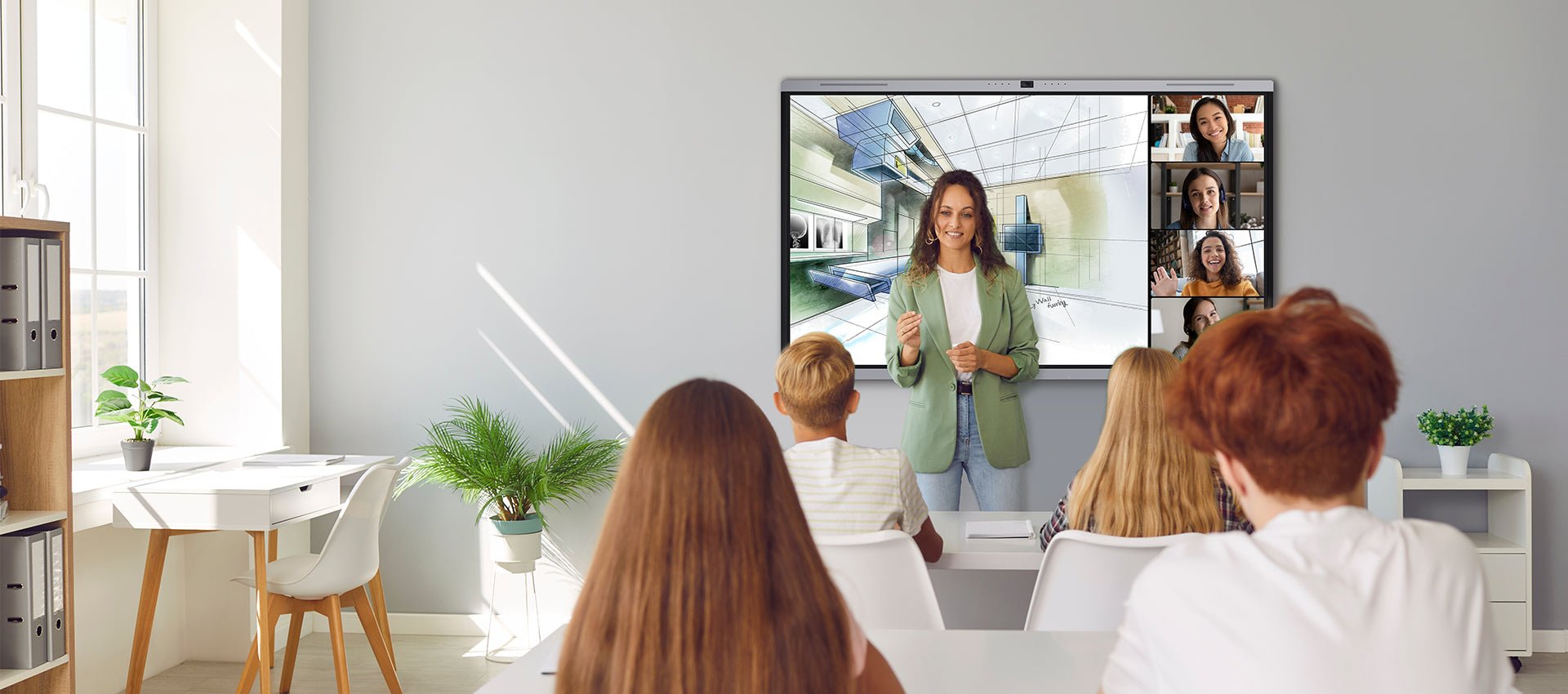
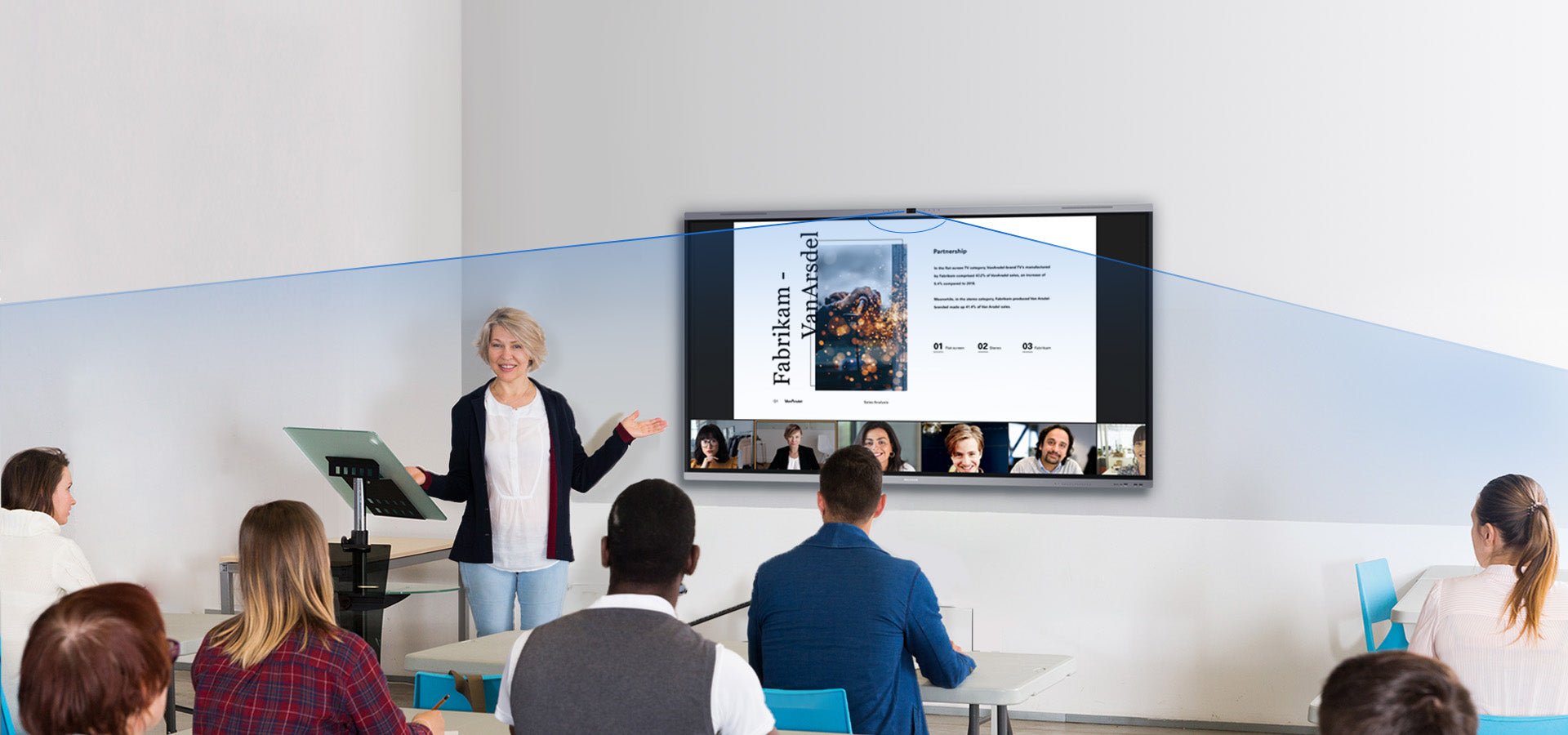
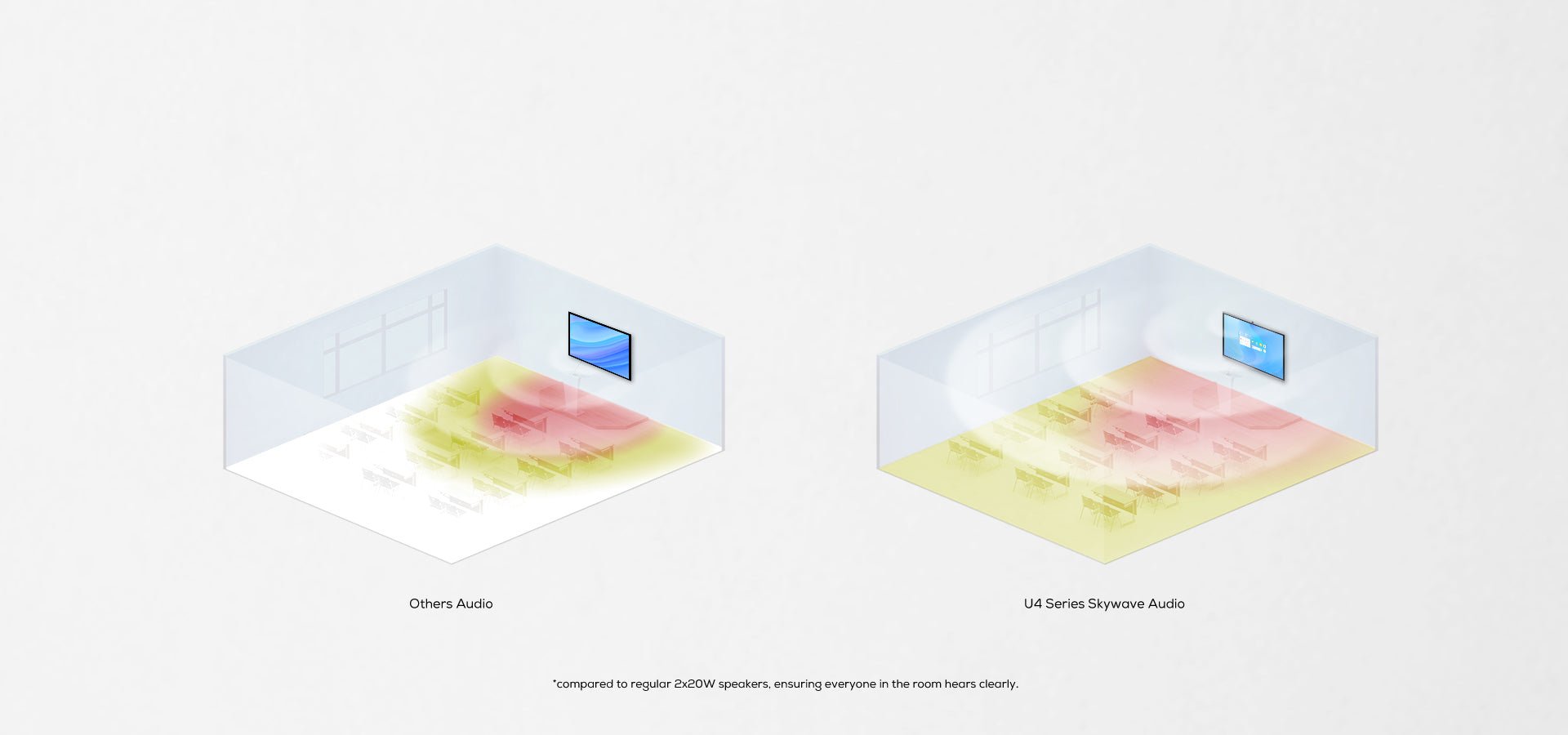
A: Yes. The U4 features a 50MP wide-angle camera with auto-framing and speaker tracking, alongside a powerful 8-microphone array and SkyWave 2.2 speakers. AI-driven noise reduction, audio fencing and echo cancellation ensure crystal-clear communication in hybrid teaching and meetings.
Q: What operating system does the MAXHUB U4 Series run on?
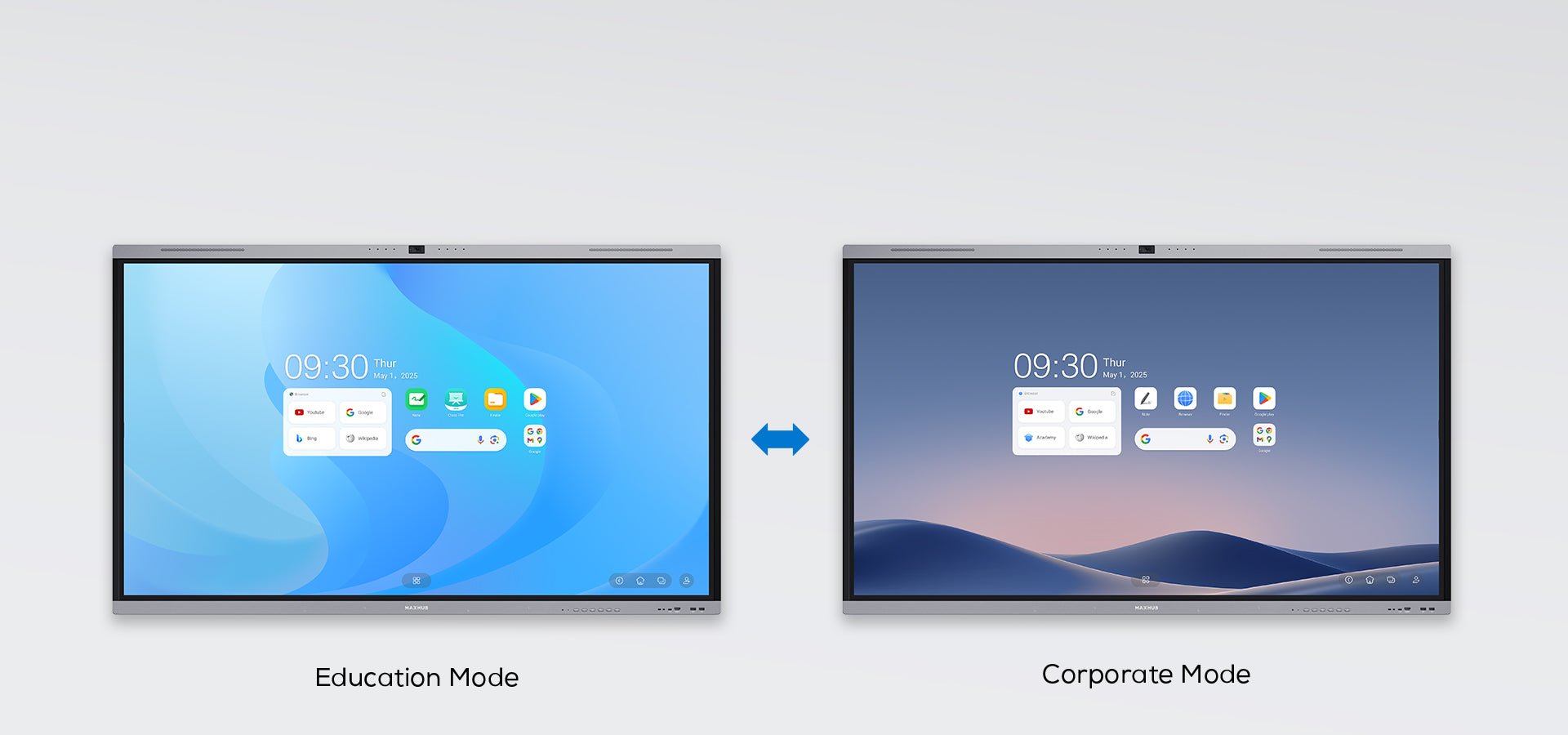
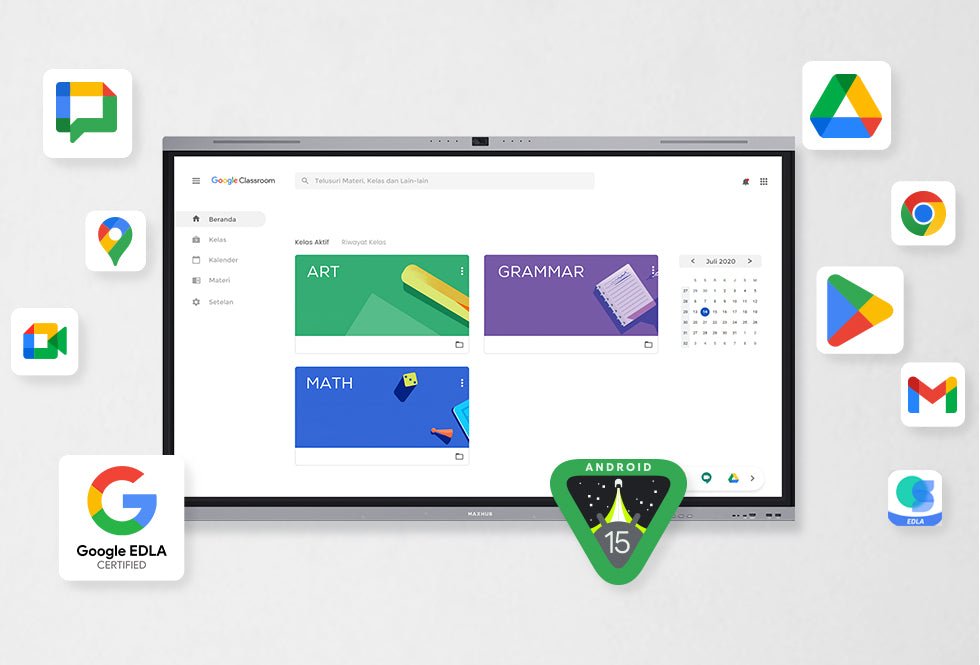
A: The U4 Series is powered by Android 15 and is Google EDLA-certified. This gives educators and trainers secure access to Google Classroom, YouTube, Google Play and a wide range of educational apps, making the display a versatile platform for modern digital learning.
Q: How easy is it to connect laptops and devices to the U4?
A: The MAXHUB U4 supports wireless casting via Miracast, AirPlay, Chromecast and DLNA. For a seamless wired experience, USB-C connectivity allows one-cable join with power delivery up to 100W, plus HDMI, DisplayPort and multiple USB ports to support diverse devices and BYOD environments.
Q: What makes the MAXHUB U4 suitable for Australian schools and workplaces?
A: Designed for demanding environments, the U4 includes IP5X dust protection, Energy Star certification, optional antibacterial screens and robust 9H glass. These features make it durable, safe and efficient for high-use classrooms, training labs and collaborative spaces across Australia.
Q: Can administrators manage multiple MAXHUB U4 displays across campuses?
A: Yes. With MAXHUB Pivot software, IT and administrators can remotely push timetables, notices and media content, as well as manage updates and maintenance securely. This makes the U4 ideal for multi-campus schools, universities and corporate training facilities.
Q: What warranty and support options are available with the MAXHUB U4?
A: The MAXHUB U4 Series is backed by manufacturer warranty and supported by a range of optional accessories including smart pens, video bars and mobile stands. Local service partners in Australia ensure professional support and reliable after-sales assistance.