Filters
14 products


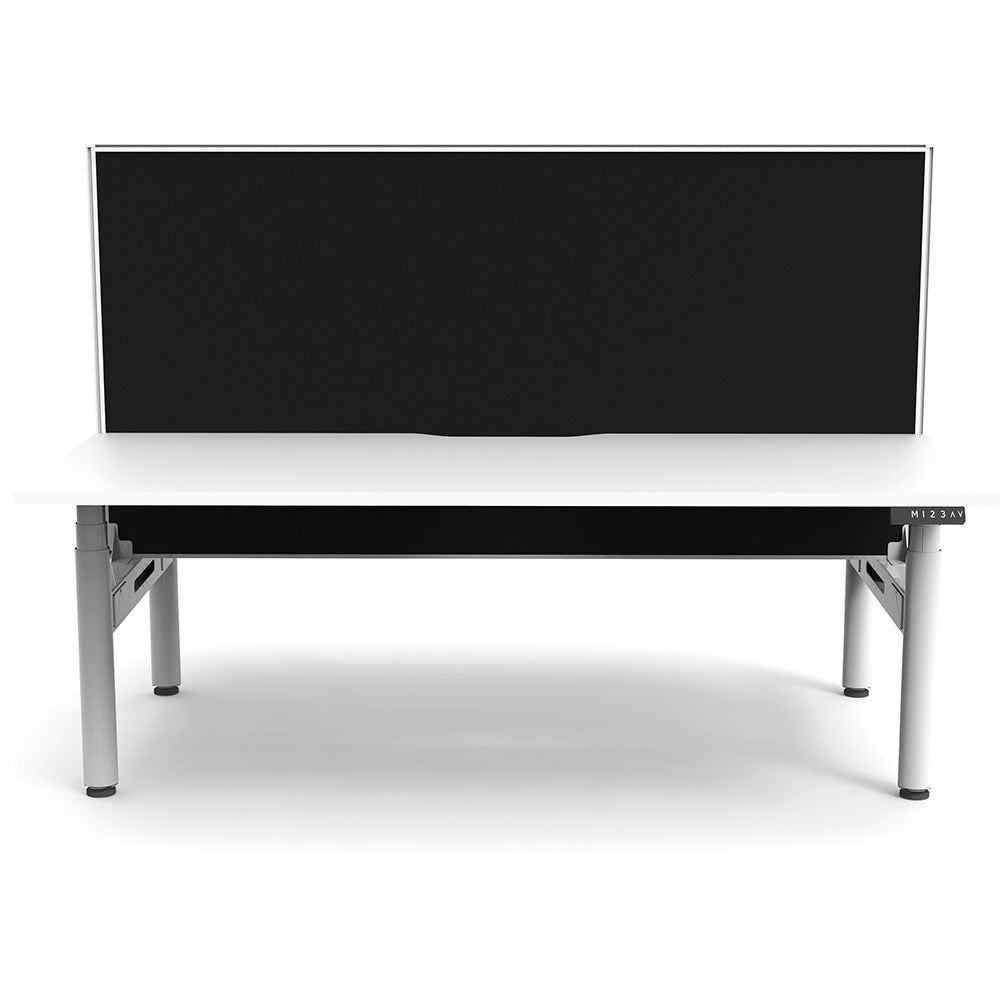
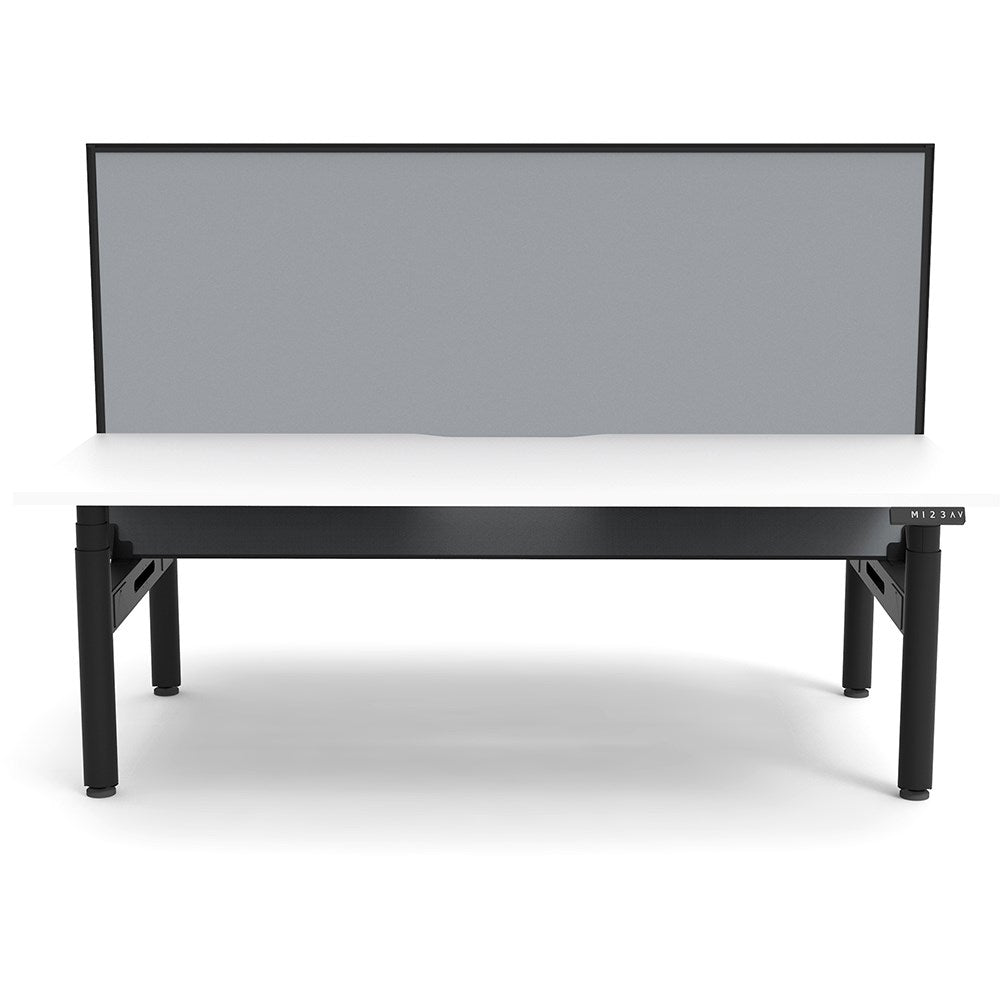


A sit stand desk allows users to regularly change posture throughout the working day rather than remaining seated for long periods. Alternating between sitting and standing can encourage movement, improve comfort and reduce the fatigue associated with maintaining one position for extended periods. Height-adjustable workstations also make it easier to personalise desk height for different users, making them especially useful in shared offices, hot-desking environments and ergonomic workplace fit-outs.
There is no single schedule that suits everyone, but the key is to change position regularly rather than sitting or standing for long uninterrupted periods. Many users find it comfortable to switch positions every 30–60 minutes, combined with short walking or movement breaks throughout the day. A sit stand workstation makes these transitions easy, helping employees vary their posture without interrupting their workflow.
When standing, adjust the desk so your elbows are approximately at a 90-degree angle with your forearms comfortably resting near desk height. Your shoulders should remain relaxed, your wrists should be reasonably straight and your monitor should be positioned around eye level so you are not constantly looking down. Because user heights vary, choosing a workstation with a broad height-adjustment range is important for achieving an ergonomic setup.
A quality sit stand workstation should be supported by a solid commercial warranty covering important components such as the frame, motors, electrical controls and desktop where applicable. Warranty periods vary between manufacturers, so it is important to check exactly what is covered rather than comparing warranty length alone. For busy Australian offices, schools and government workplaces, choosing a reputable supplier with readily available replacement parts and after-sales support can be just as important as the warranty itself.
Yes. Most modern sit stand desks can accommodate laptops, docking stations, keyboards and multiple monitors, provided the total equipment weight remains within the desk's rated lifting capacity. Monitor arms, cable trays, power rails and CPU holders can also be added to create a cleaner and more ergonomic setup. For multi-screen workstations, it is particularly important to choose a stable frame, suitable desktop size and effective cable management so cables move safely with the desk as its height changes.