FAQs for MAXHUB 92" Ultrawide Panel – Digital Displays Australia
Q: What makes the MAXHUB 92" Ultrawide Panel different from standard digital displays?
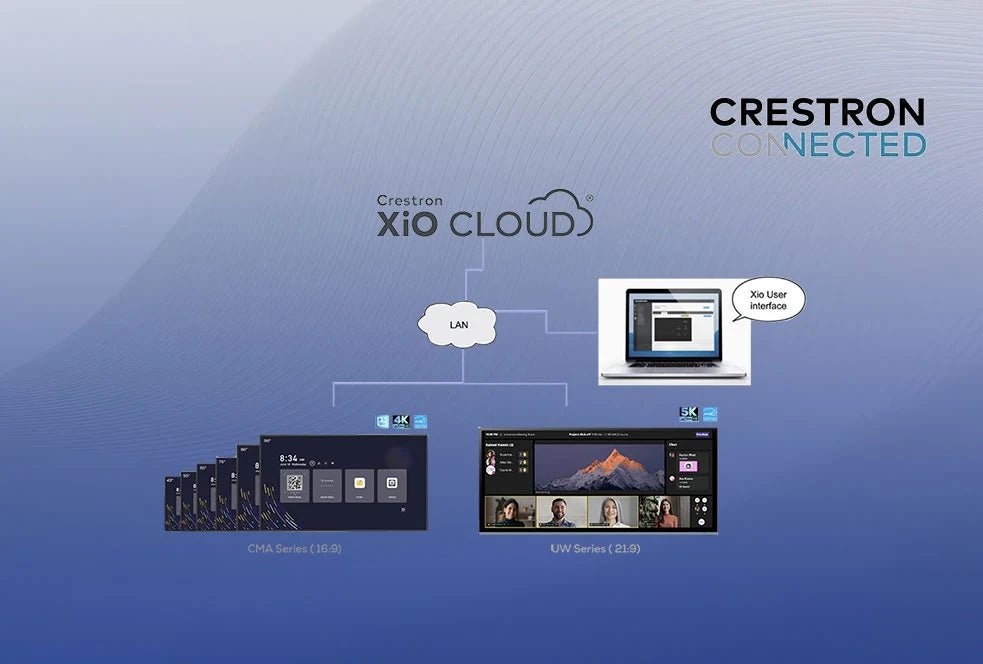
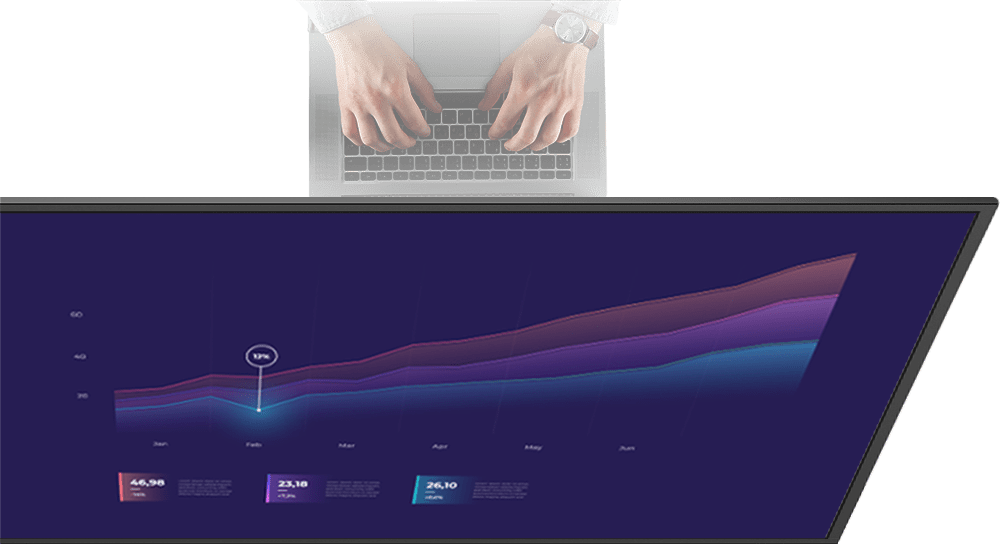
A: The MAXHUB 92" Ultrawide Panel features a 21:9 5K resolution screen that offers 33% more workspace than traditional 16:9 displays. This ultrawide format is ideal for Microsoft Teams Rooms (Front Row), multi-window workflows and data-rich dashboards. With Crestron Connected® certification and Android 13 built-in, it provides a seamless, enterprise-ready solution for boardrooms, classrooms and public spaces.
Q: Can the MAXHUB 92" Ultrawide Panel be used for 24/7 operation?
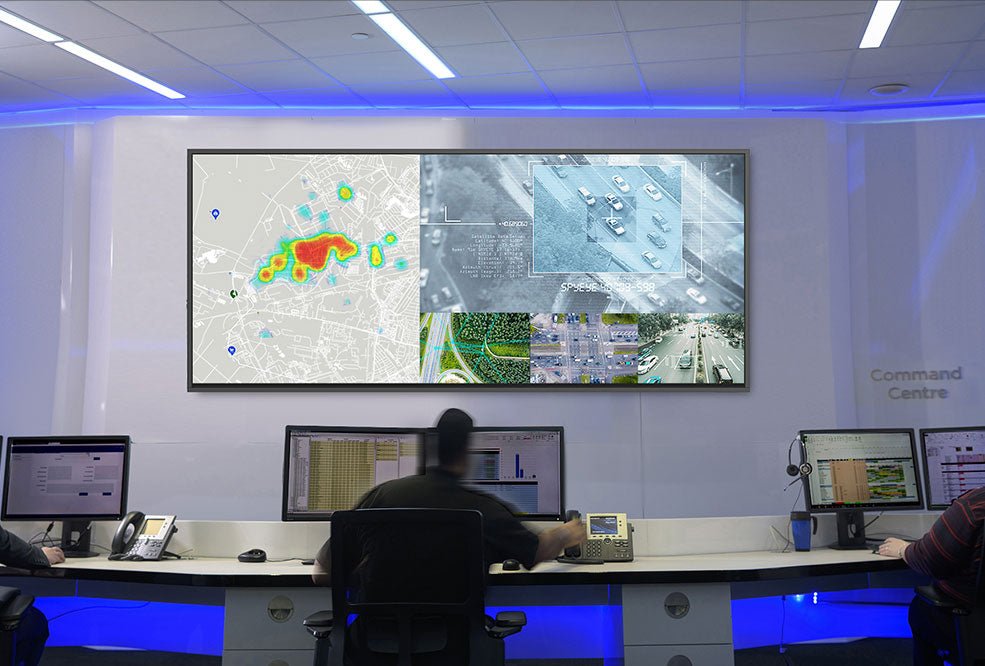
A: Yes, the UW92NA model is engineered for continuous 24/7 operation, making it suitable for control centres, signage and always-on environments. It features IP5X protection, an anti-glare commercial-grade panel and a lifespan of over 50,000 hours. The larger UW105NA is rated for 16/7 usage, more suited to standard corporate and education deployments.
Q: What connectivity options are available on the MAXHUB 92" Ultrawide Panel?
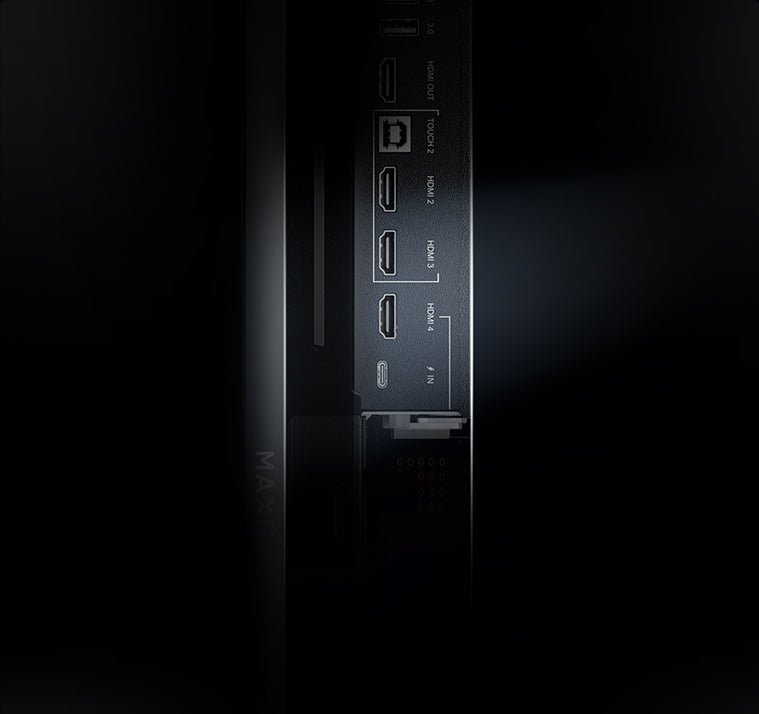
A: The panel offers extensive connectivity including HDMI 2.0 and 2.1 inputs, USB-C with BYOD/BYOM support, DisplayPort, multiple USB ports, RS232 and RJ45 control, plus wireless casting via Miracast, AirPlay and Chromecast. An OPS slot allows seamless Windows integration, ensuring flexible use across AV, IT and BYOM workflows.
Q: Does the MAXHUB 92" Ultrawide Panel have built-in speakers?
A: Yes, the UW92NA comes with a powerful 2.1-channel audio system delivering 2×20W speakers plus a 20W subwoofer. This ensures clear audio for meetings, presentations and media playback without requiring additional external sound equipment, making installation simpler and cost-effective.
Q: Is the MAXHUB 92" Ultrawide Panel compatible with Teams Rooms and other UC platforms?
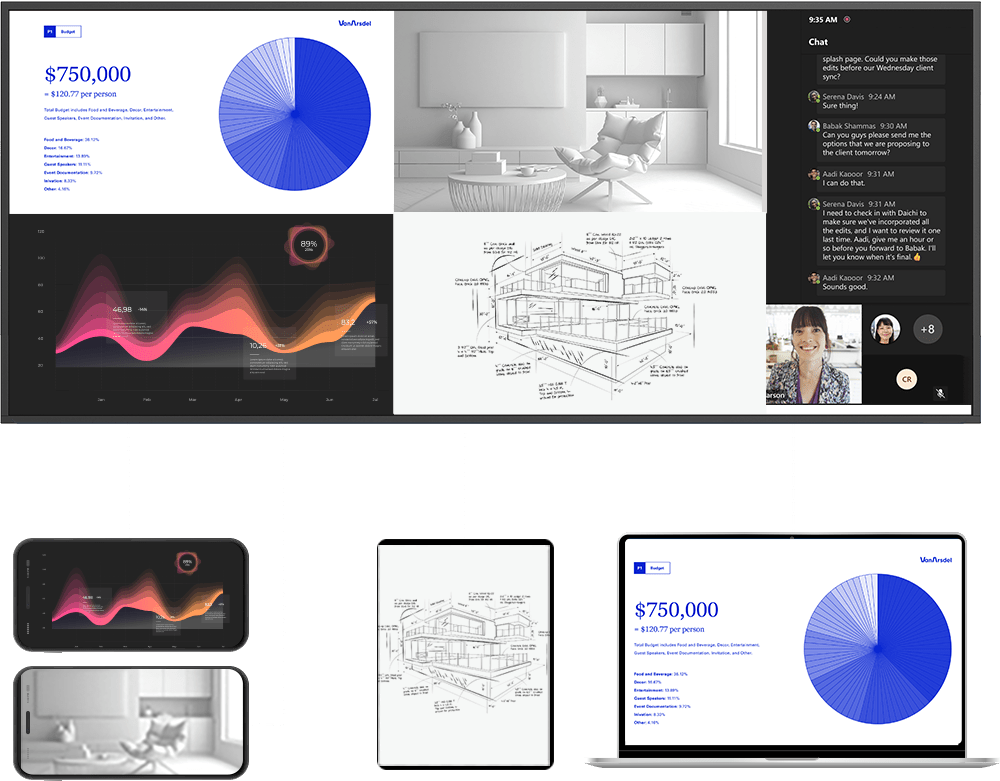
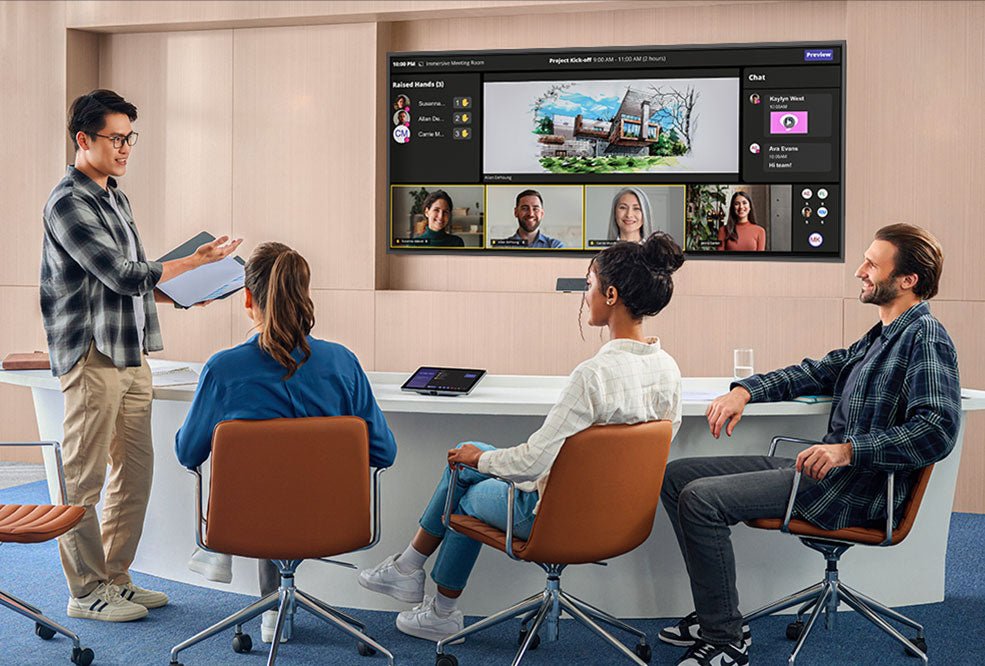
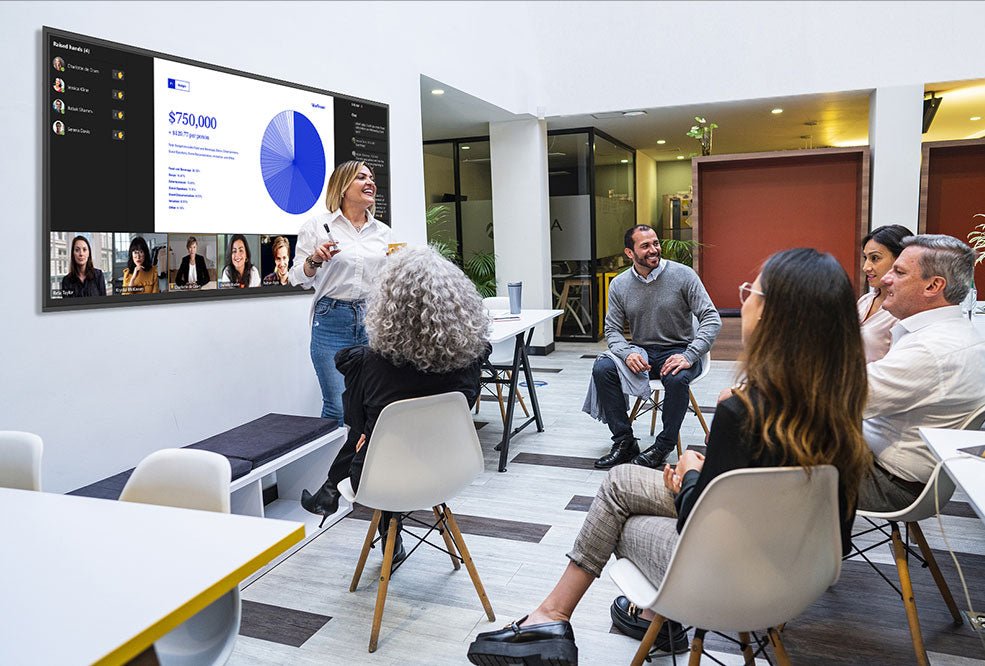
A: Absolutely. The 21:9 ultrawide canvas is optimised for Microsoft Teams Rooms Front Row layouts, displaying people, content and chat simultaneously. It’s also Crestron Connected®, Q-SYS and Extron compatible, ensuring integration with leading UC and control platforms for hybrid meetings.
Q: How does the MAXHUB 92" Ultrawide Panel handle wireless content sharing?
A: The panel includes MAXHUB Share software, enabling up to four devices to cast wirelessly at once via Miracast, AirPlay or Chromecast. This makes BYOD collaboration easy for students, presenters and meeting participants, reducing reliance on cables while maintaining secure connections.
Q: What warranty and certifications does the MAXHUB 92" Ultrawide Panel come with?
A: The panel is backed by a 3-year warranty for peace of mind. It also carries Energy Star certification for efficiency, IP5X dust protection for durability, and compliance with IEC 62368-1 safety standards. These certifications make it a reliable choice for commercial and education settings.
Q: Can the MAXHUB 92" Ultrawide Panel be mounted in portrait orientation?
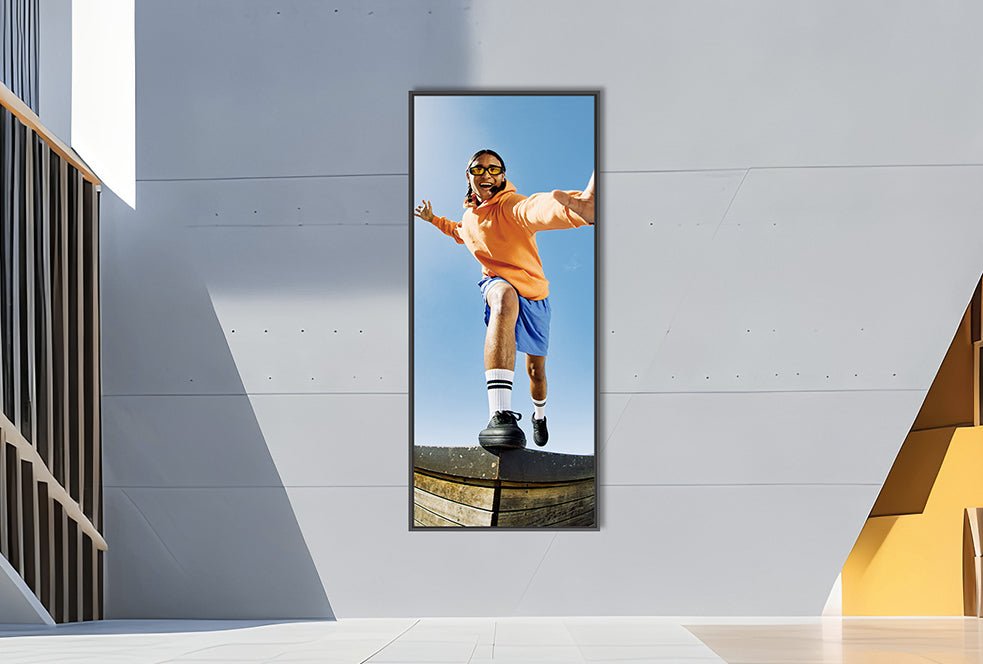
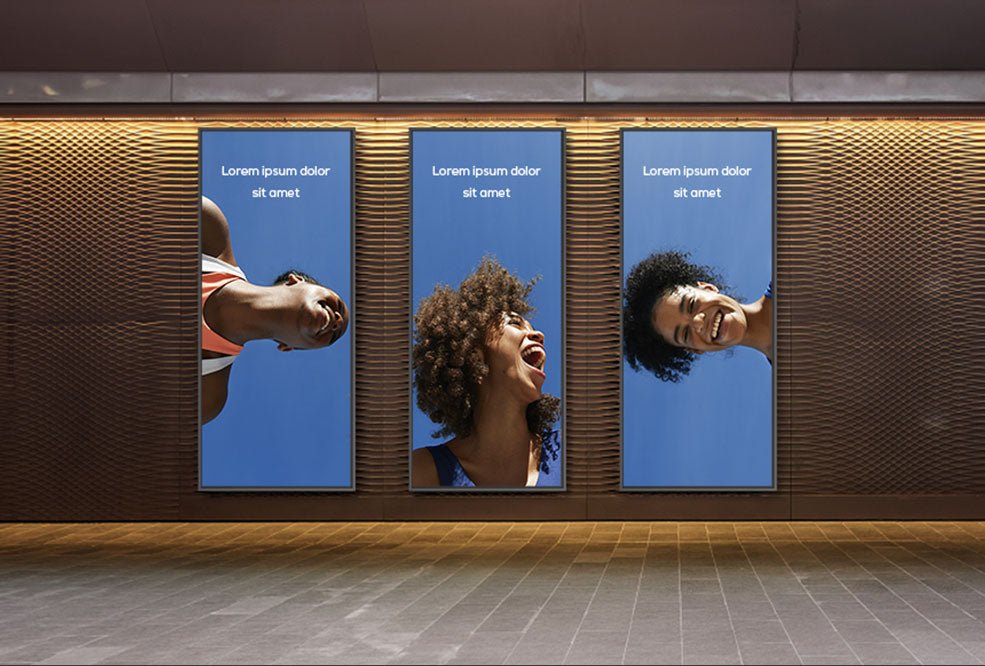
A: Yes, the UW92NA model supports both landscape and portrait mounting options, providing flexibility for different applications such as digital signage, control dashboards or lecture content. This versatility allows it to fit a wider range of use cases compared to standard ultrawide panels.
Q: How heavy is the MAXHUB 92" Ultrawide Panel and what mounting options are available?
A: The UW92NA weighs 43.4kg net, while the larger UW105NA weighs 89.4kg. Both models ship with a VESA-compatible wall mount included in the box, making installation straightforward. The panel’s robust protective glass and slim bezels ensure a professional look in any environment.
Q: What are the main applications for the MAXHUB 92" Ultrawide Panel?
A: This panel is purpose-built for hybrid boardrooms, Microsoft Teams Rooms, universities, control centres and corporate lobbies. Its ultrawide 5K resolution supports side-by-side content, panoramic lectures, mission-critical dashboards and engaging digital signage that stands out in open, bright spaces.