Filters
5 products


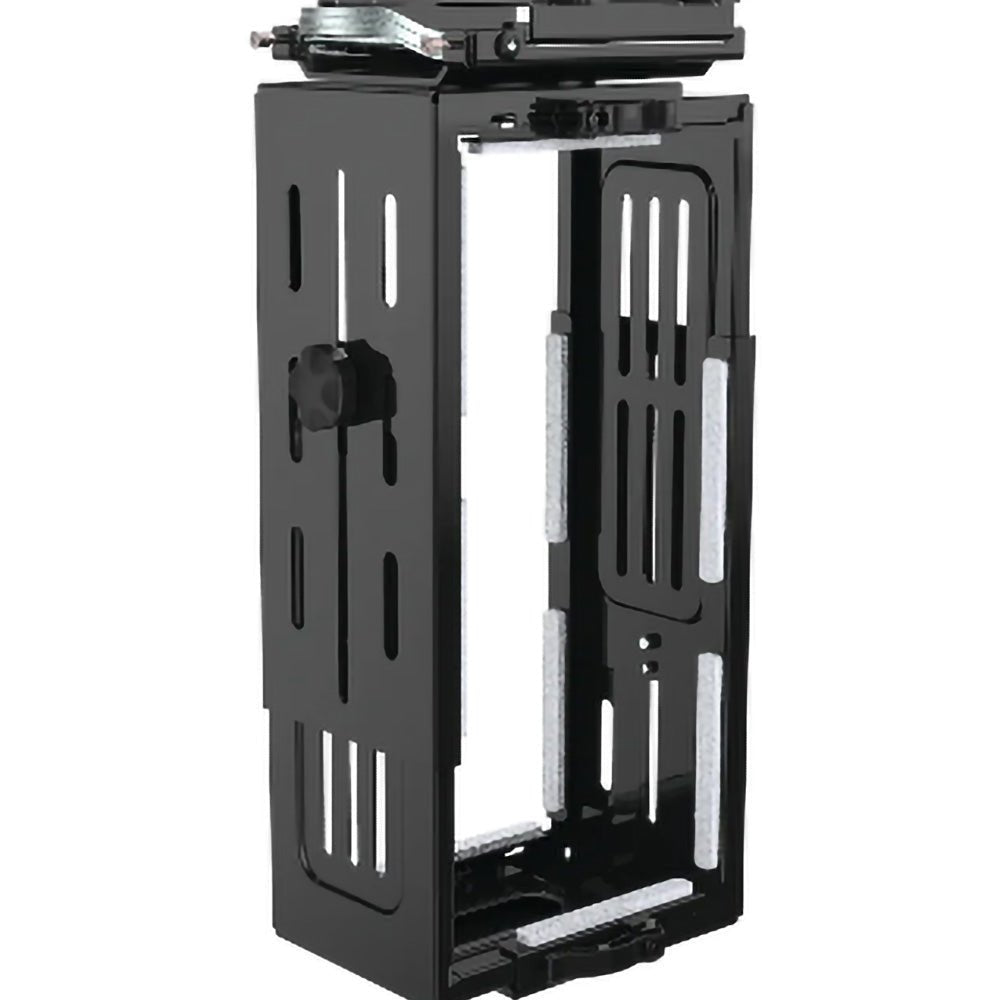

A CPU holder is a mounting bracket designed to securely hold a desktop computer tower, usually underneath a desk or workstation. It keeps the computer off the floor and frees up valuable desk space while making the workstation look cleaner and more organised. Many CPU holders also provide easier access to ports and cables while protecting the computer from accidental knocks and floor-level dust.
An under-desk CPU holder helps maximise workspace by removing the computer tower from the desktop or floor. Raising the PC can reduce exposure to dust and accidental damage, improve accessibility and make cable management easier. It can be particularly useful with sit-stand desks, as the computer can move with the workstation rather than requiring long cables between the desk and a tower sitting on the floor.
Measure the width, height and weight of your computer tower and compare these measurements with the CPU holder's specified adjustment range and load capacity. Adjustable CPU holders accommodate a wider range of tower sizes, but they are not universally compatible. For example, some models fit towers roughly 89–203 mm wide and 300–533 mm high, while others are designed specifically for smaller computers. Always check the manufacturer's dimensions before purchasing.
Yes, many CPU holders are designed for straightforward installation and can be fitted with basic tools. Under-desk models commonly screw into the underside of the desktop, while some designs clamp to a desk frame or leg and require no drilling. Before installation, check that the desktop material and thickness are suitable and that the mounting position will not interfere with desk frames, drawers, cables or other accessories.
A correctly sized and installed under-desk CPU holder provides a secure way to support a computer tower. Quality models typically use adjustable steel brackets, clamps, straps or padded supports to hold the computer firmly in position and prevent movement or scratching. For safe installation, ensure the computer is within the holder's stated weight capacity and periodically check that mounting hardware remains tight—particularly on height-adjustable workstations.